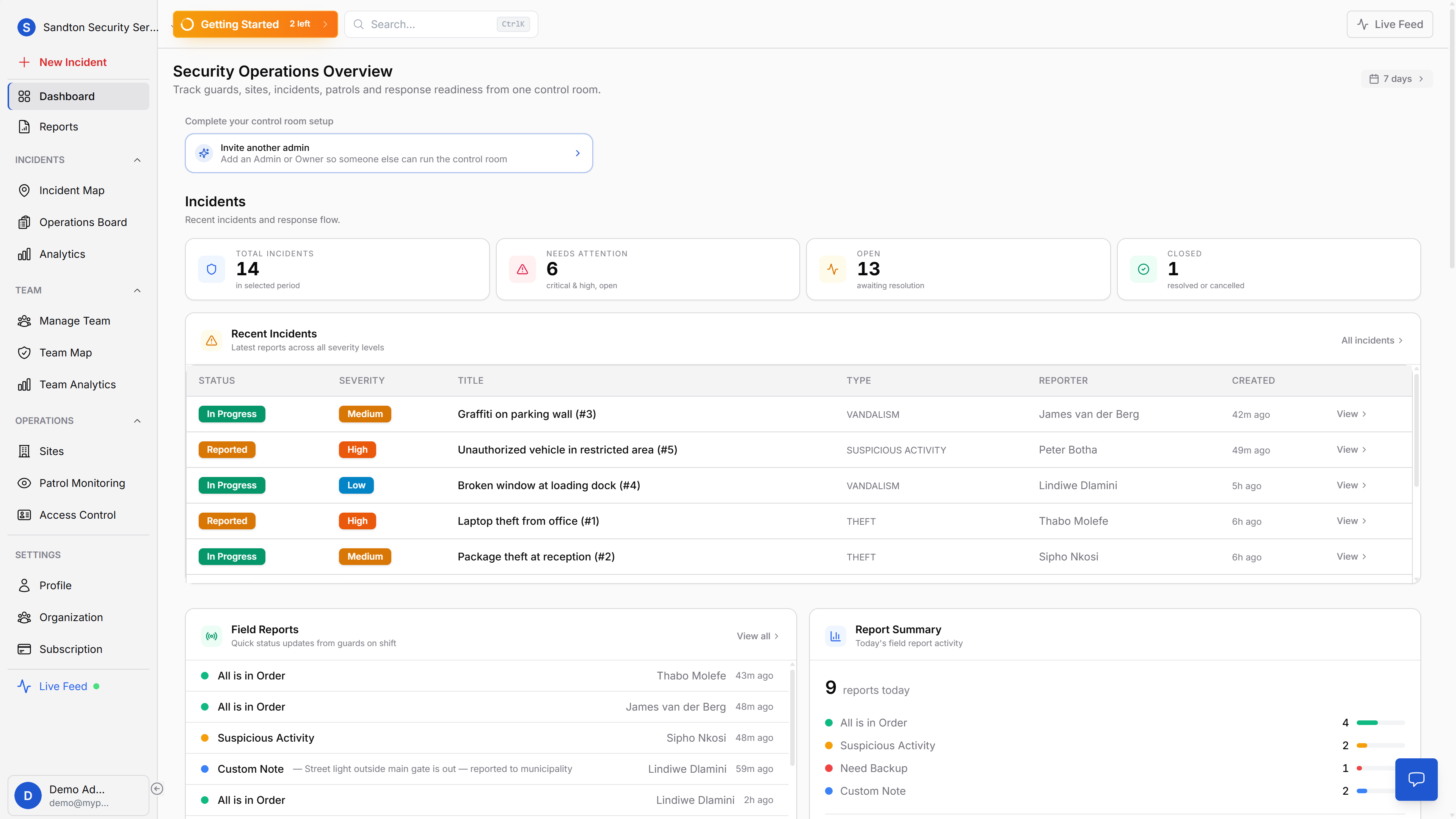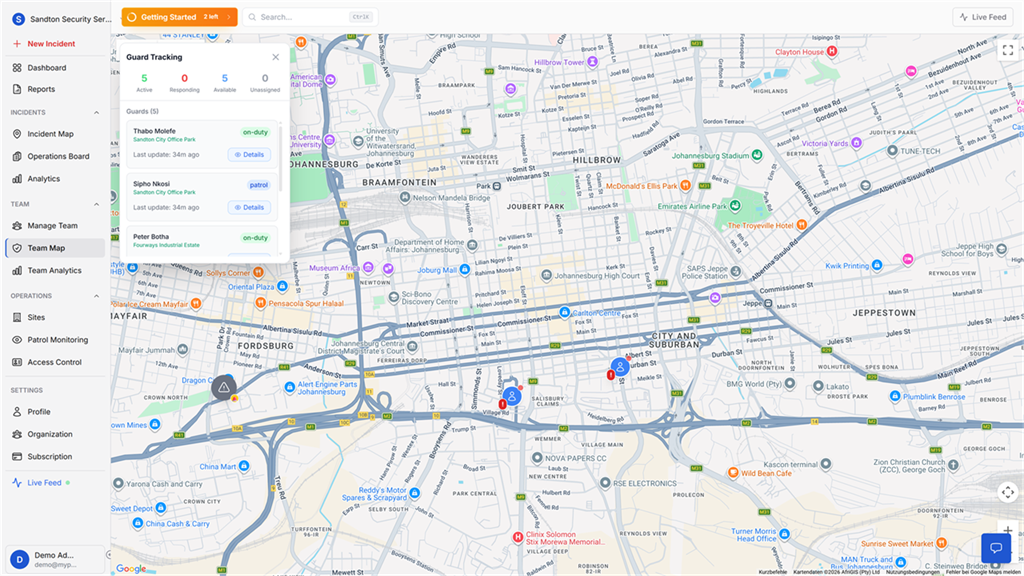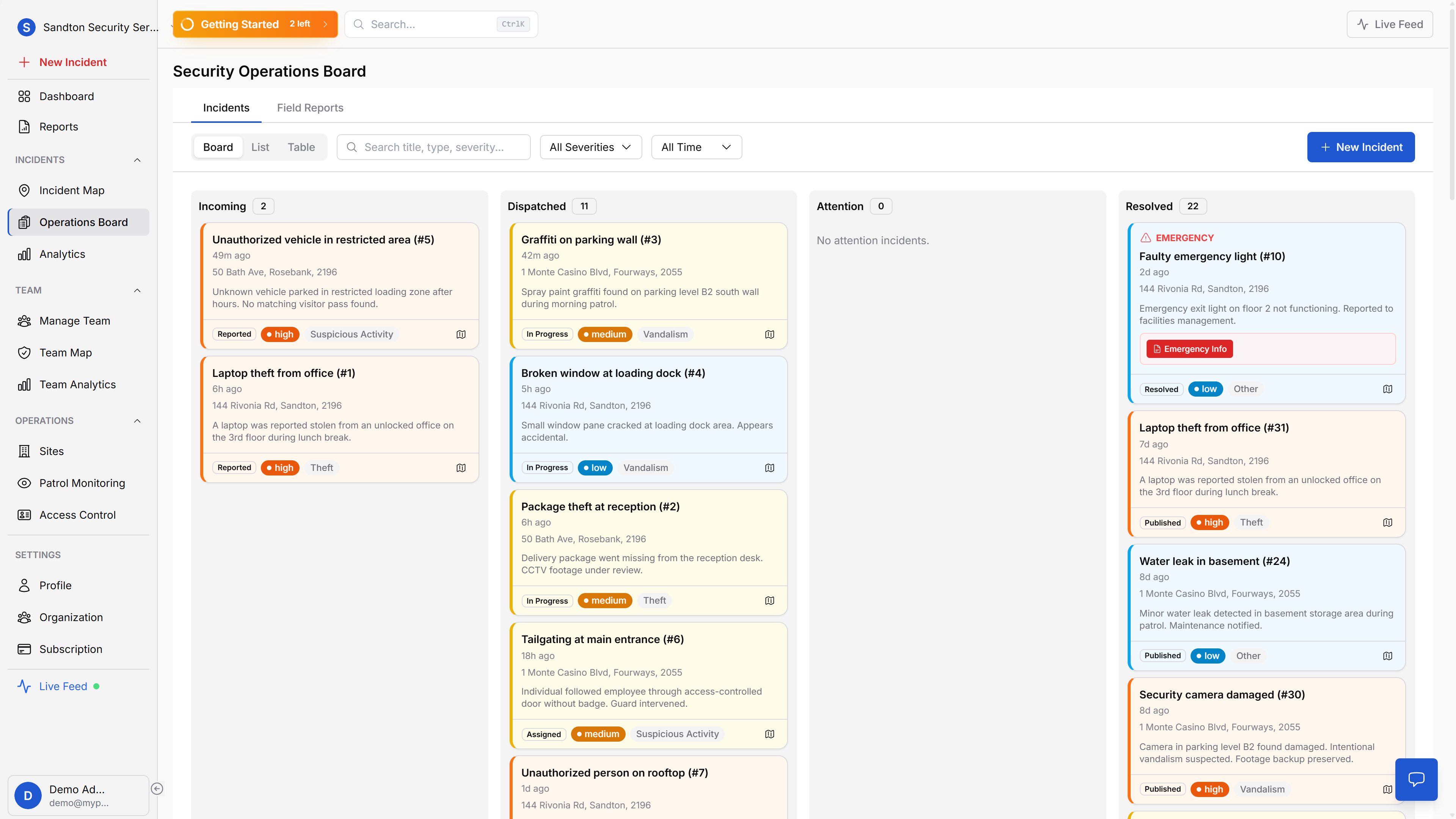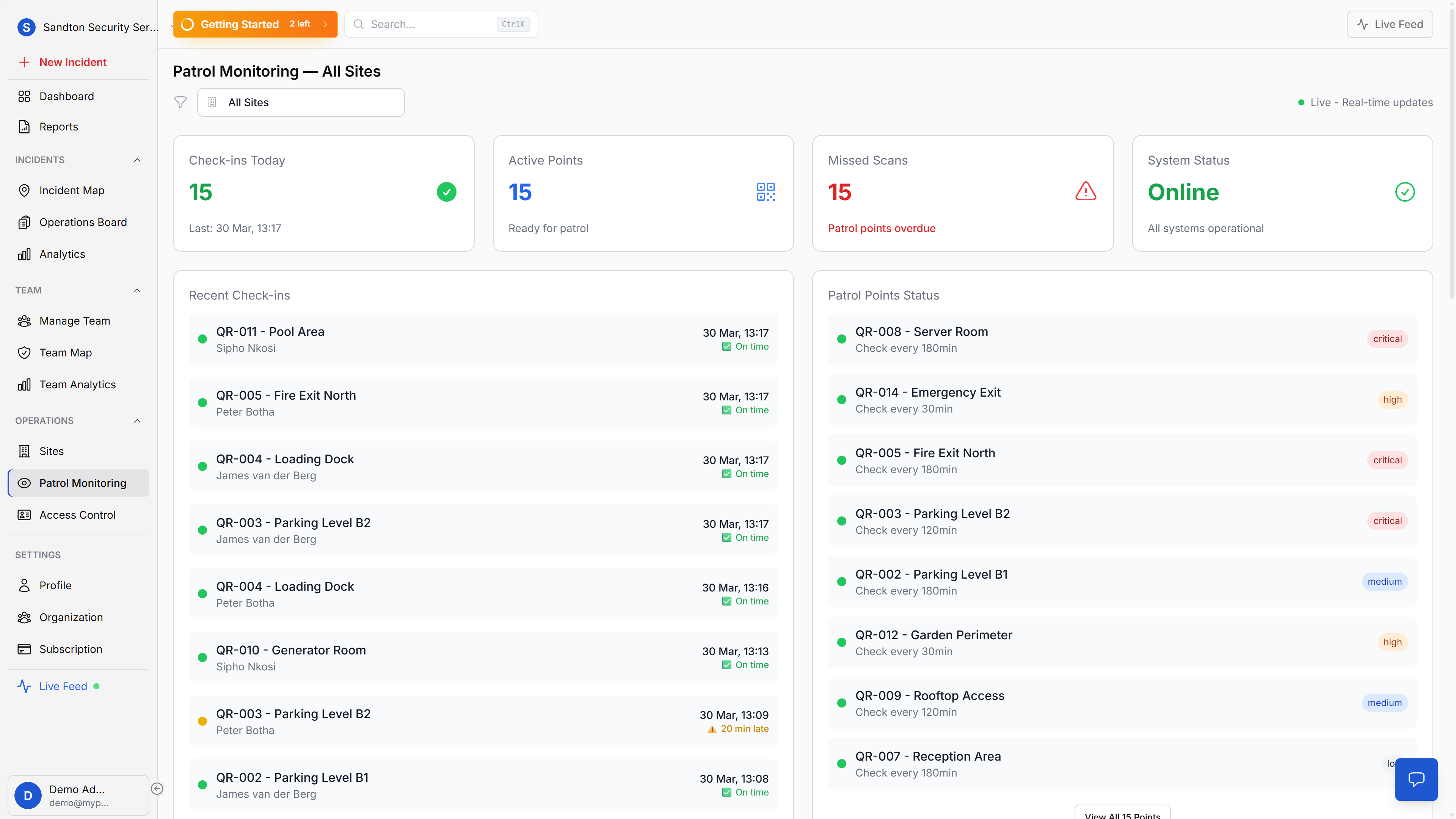
For South African security companies, QR guest access replaces the gate logbook and the phone call to the guard. Visitors arrive with a signed QR invitation, the guard verifies it on the phone, and every entry decision is logged for you, the client, and the body corporate.
Tuesday at the main gate: a resident who was turned away and a contractor who was not expected
A resident calls the office. She says she was refused entry and wants the guard's name, the reason, and an apology. At the same time a contractor stands at the gate of your industrial client, claiming a tenant told him to walk in. The logbook has a name in pencil and no phone number. The guard tells a different story.
On paper this is a small problem. On shift it is an hour of calls, an awkward conversation with the client, and another reason for the body corporate to question your systems.
How the gate works without MyProtektor
Most South African security companies run visitor entry the same way. A logbook sits on a trestle table. The visitor writes a name, sometimes a phone number, sometimes nothing useful. The guard asks a question or two, maybe calls the office, maybe does not. When the visitor leaves, nobody writes that down.
The problems stack up quietly. A client asks who visited their premises this week and you cannot answer. A resident disputes a denied entry and there is no record to settle it. During load shedding the gatehouse loses power, the logbook gets a cup of coffee on it, and the day is gone. And the phone calls: "Is the plumber at the gate?" "Is the client's wife there yet?" Nobody can confirm either way.
How MyProtektor handles it
MyProtektor treats QR guest access as visitor management, not a standalone scanner. Signed digital invitations cover the expected visitors, on-the-spot registration covers the rest, and the access log records every decision your client can see.
Guest invitations created from the dashboard
An admin creates a visitor invitation from the web dashboard: site, visitor name, purpose, and notes for the guard. Add the vehicle if you know it, a white van or a silver Polo. Set the validity, one day for a single visit or thirty days for a contractor doing a month of work. Choose single-use for a one-off guest, multi-use for a recurring service provider. Any admin can create an invitation for an expected visitor at any of your sites, a client's contractor, a resident's guest, or a service provider.
The invitation becomes a QR code, signed by MyProtektor with Ed25519 cryptography. You or the client shares it over WhatsApp or email. The guest needs no app and no account. They show the code on any screen, a phone, a tablet, or a printed page.
The signature stops forgeries. Your controls stop replays
Here is exactly what the cryptography does, and what it does not. The signature in the QR code proves the code was created by MyProtektor for your organisation, not invented by a visitor or a print shop. A visitor cannot generate a valid code on their own, and a code forged on a phone or a printer fails verification on the spot.
A screenshot of someone else's valid invitation passes that check, because the screenshot copies the code and its signature together. That is why the protection is layered. Invitations carry a validity window. Single-use invitations are consumed after the first accepted scan, and you can revoke an invitation from the dashboard before it is used. And the guard's phone shows the expected name, site, and purpose, so the person at the gate is checked against the code, not just the code.
No single layer is a guarantee. Together they make a copied code hard to turn into entry, the gate stays secure, and the guard remains the final check.
The guard's phone is the verification step
When the guest arrives, the guard scans the QR code with the MyProtektor app, the same phone and app the guard uses for patrols and incidents. The app verifies the code's signature on the device and shows the guard what the visitor is expected to do: name, site, purpose, and validity window.
When there is no signal, entry decisions keep getting made. Verification runs on the device, not on the server, so a basement gate or a load shedding blackout does not stop the gate. The record queues on the device and syncs when the connection returns.
One honest boundary: the app verifies and logs the decision. It does not open or close the gate. Physical gate operation depends on the site's gate hardware and power setup.
Unplanned visitors are registered on the spot
Not every visitor arrives with an invitation. The guard registers walk-up visitors in the app: name, purpose, and a photo. The visit is logged the same way, so the record is consistent whether the visitor was expected or not. If the guard denies someone, the denial is logged with a reason: no ID, not on the expected list, after hours, a security concern, or other.
Every visit is on record, and you can see who is inside now
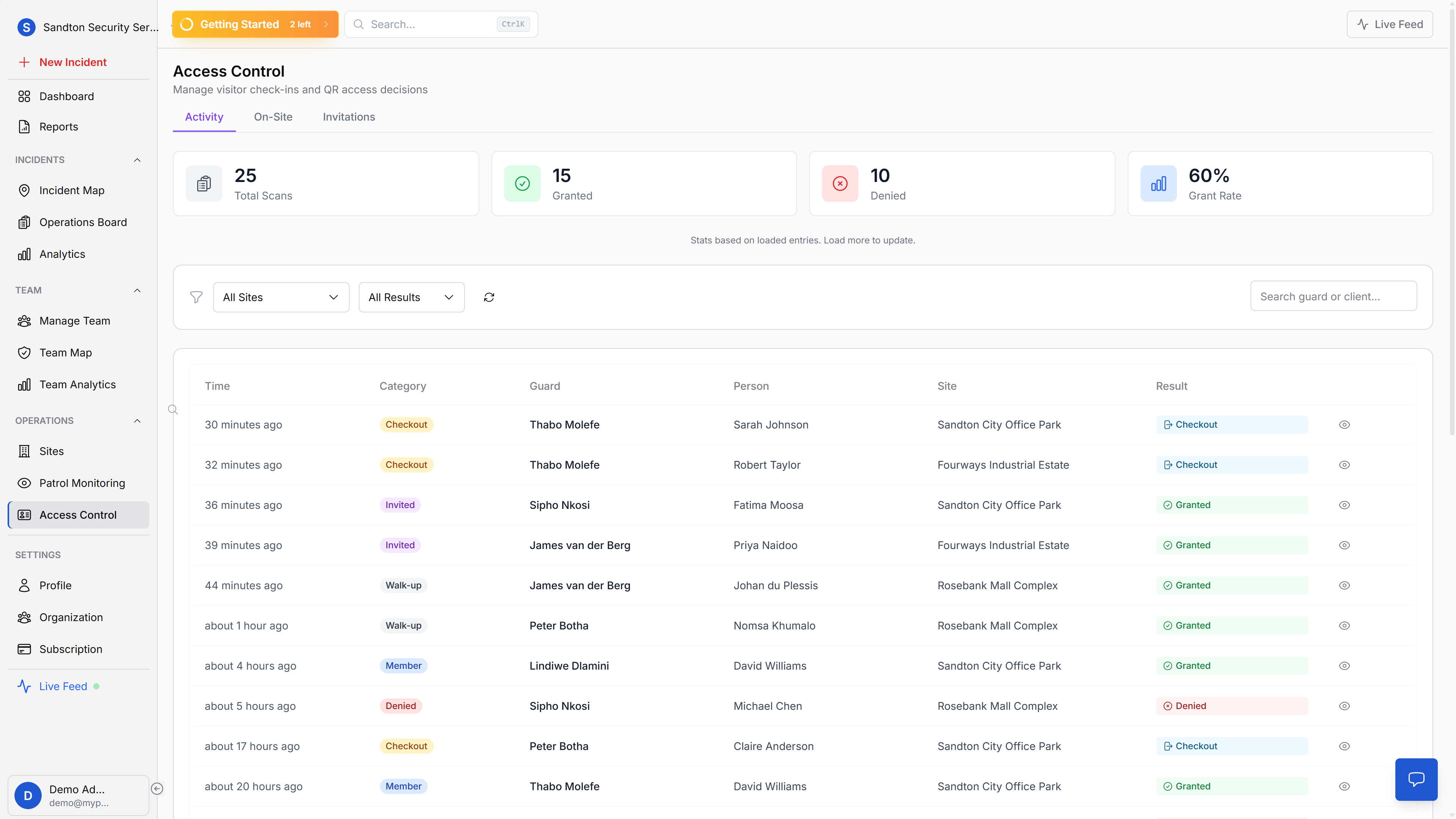
Each entry decision captures the guard, the site, the visitor, the method, the result, and the timestamp. The dashboard shows the stream of gate events, totals for scans, grants, and denials, and an On-Site view showing who is currently checked in at each site.
Visitors checked in more than eight hours ago get flagged for review, so a forgotten entry does not quietly become an unexplained presence. When the client or body corporate asks for a record, you export the access control report as PDF or CSV and send it over.
Why it matters for your business
The client stops asking you to prove the basics. A visit documented with name, purpose, photos, and time gives the estate manager or client proof instead of a shrug. The gate is often the part of the service nobody can show. QR guest access makes it the part you can.
Disputes end with data. A resident who claims they were denied entry gets an answer: the log shows the decision, the guard who made it, and the time. No conflicting stories, no guessing who was on shift.
Your guards run the gate without a form. They scan, read what the screen shows, and tap grant or deny. No sign-in book, no handwriting to decipher at the end of the month.
What you need to get started
Guards verify with the MyProtektor app on a smartphone. There is no dedicated QR reader to buy, no gate hardware to install, and no cabling. QR guest access is part of the access control module, which requires the Professional plan.
Two honest limits. The system verifies and logs the decision. It does not operate the gate, so the guard still runs the barrier or the door. And if a visitor refuses to present any identification, your guard still makes the call. The app documents what happened, it does not make the decision.
FAQ
Does the guest need to download the MyProtektor app? No. The guest shows a QR code on any device or on paper. Only your guards use the app, and they already do.
What happens when there is no signal at the gate? Invitation verification runs on the guard's device using the QR code's cryptographic signature. Entry decisions queue locally and sync to your dashboard when the device is back online.
Can a photographed code be replayed? The signature stops forged codes, not copies of valid ones. A screenshot of a valid invitation copies the code and its signature together, so replay is managed with the rest of the system: the validity window, single-use consumption, revocation from the dashboard, and the guard checking the person against the expected name and purpose. Any scan shows up in the log.
How long are visitor records and photos kept? For the retention period set on your organisation. The default is 90 days and it is configurable per organisation. When a record expires, it and its photos are deleted automatically. Registration shows the visitor a privacy notice, consistent with POPIA handling of personal information.
Start with one site
Pick the site with the most gate friction, the estate where the body corporate asks questions or the industrial client who wants records. Create invitations for the next week of known visitors, register the rest as walk-ups, and watch the access log build itself.
For the full access control feature set, see digital access control. Setup is covered in the access control docs.