For South African security companies, patrol verification turns paper logbooks, WhatsApp follow-ups, and client disputes into signed QR scans with timestamps and GPS context.
The logbook says the patrol was done. Was it?
At security sites everywhere, a guard writes "22:00, Main Gate checked" in the logbook. Maybe they were there. Maybe they wrote it from the guardhouse. Maybe they wrote five entries at once at the end of their shift. You have no way to know.
When a client asks for proof that patrols happened, the logbook gives you handwriting and good intentions. That is not proof, it is a liability.
Paper patrol records cannot tell you when a checkpoint was actually visited, whether the guard was physically present, or if critical points were skipped entirely. You find out about missed patrols only when something goes wrong, a break-in at the warehouse that should have been checked hourly, a fire door left unlocked at the loading bay.
How MyProtektor handles it
Cryptographically signed QR checkpoints
Guards scan QR codes at physical checkpoints using the MyProtektor app on their smartphone. Each QR code is signed with Ed25519 cryptography, and the signature is verified on the device itself, no internet connection required at the point of scan. A photocopied or photographed QR code fails verification instantly.
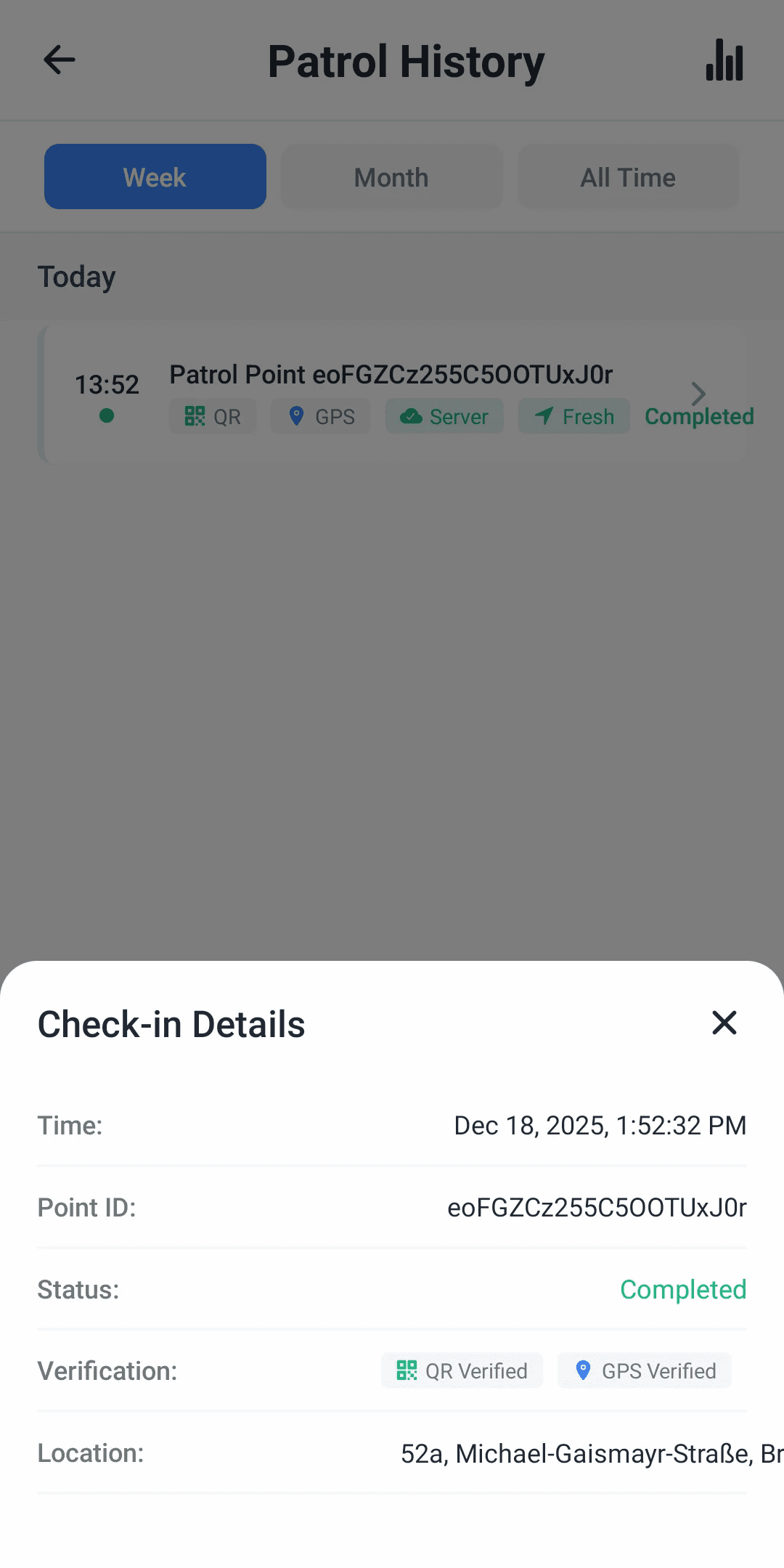
Each scan captures the checkpoint identity, an exact timestamp, the guard's GPS coordinates, the checkpoint's priority level, and an optional photo to document conditions at the point.
To be transparent: the system records the guard's GPS position but does not validate it against the checkpoint's physical location. The QR code itself, physically mounted at the checkpoint, is the proof of presence. The guard has to be standing in front of it to scan it.
 Click to expand
Patrol setup lives at site level
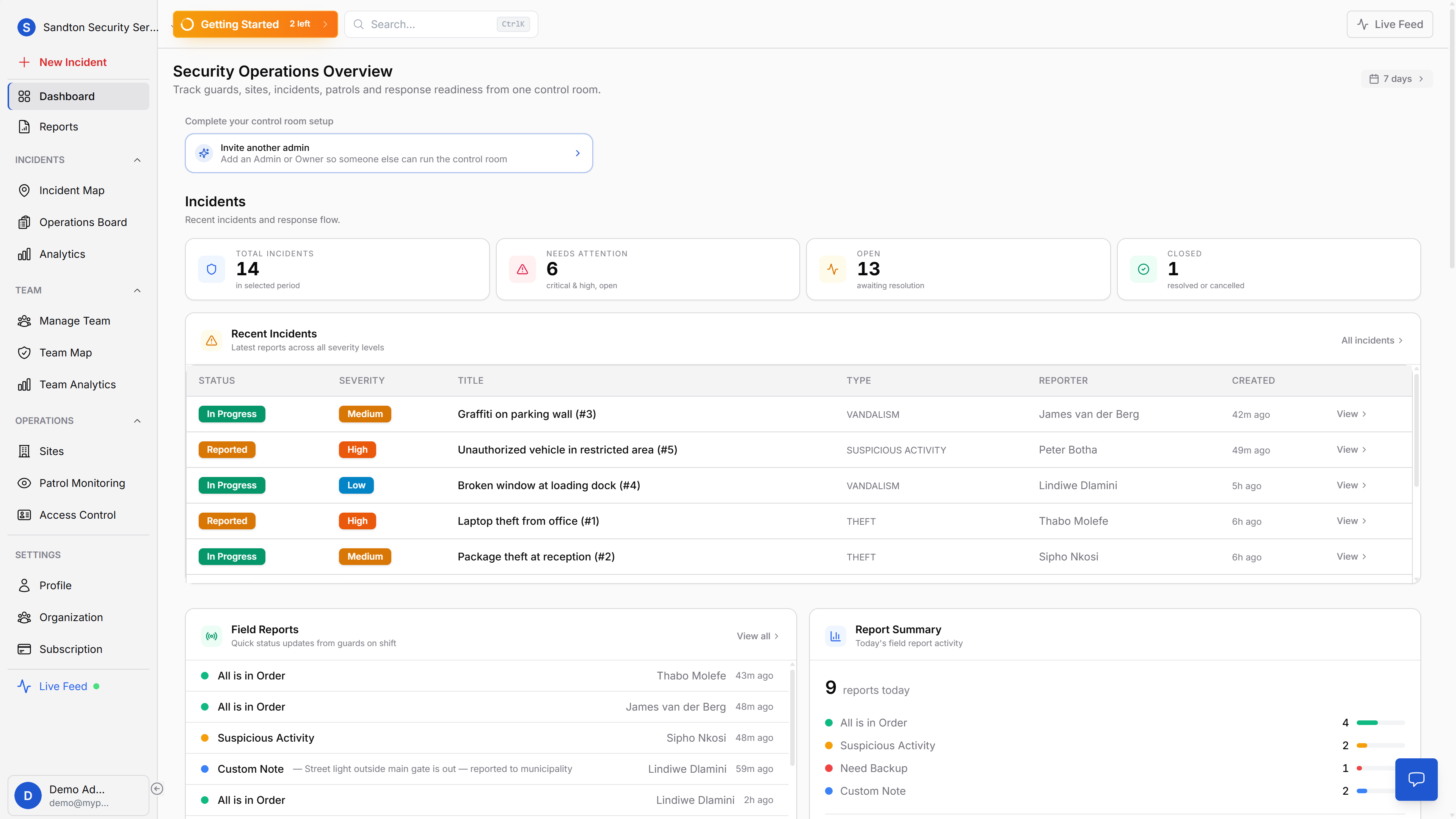
Patrol verification is not just a watchlist. It starts with site setup, checkpoint creation, and printable QR assets that guards can use in the field.
 Click to expand
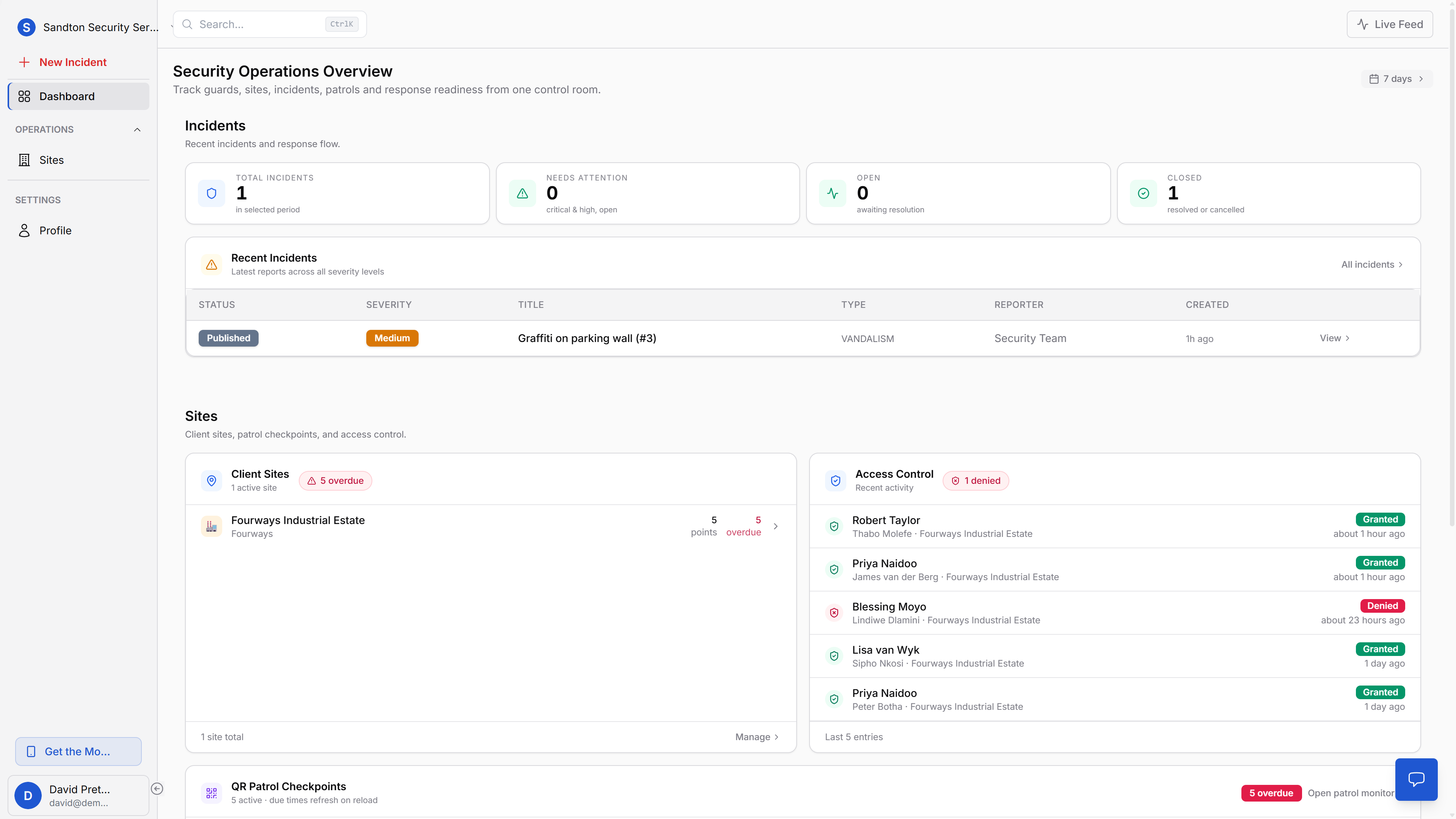
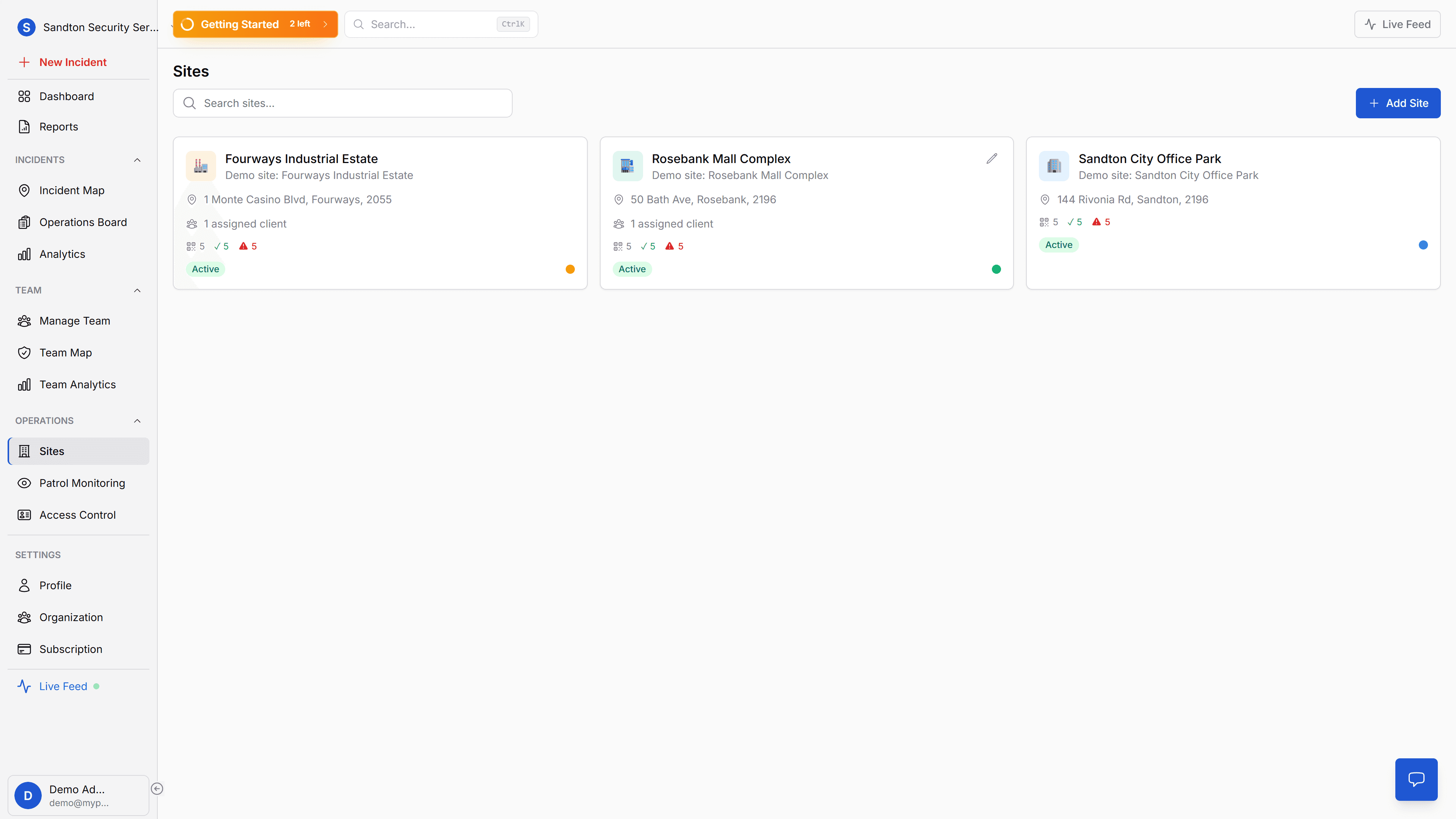
At the site-management level, operations staff can see where patrol risk is building up across the portfolio before a client raises the issue.
 Click to expand
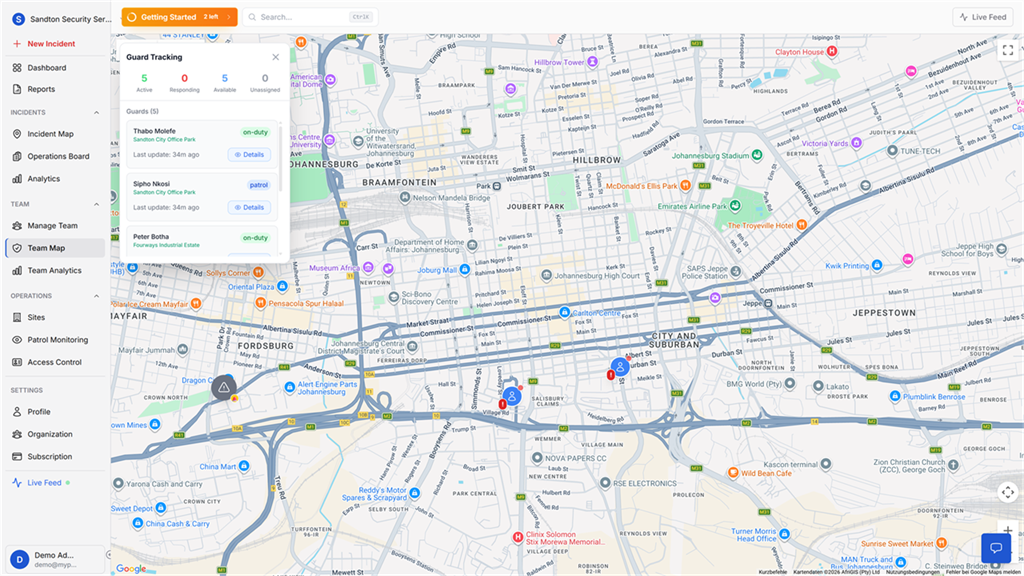
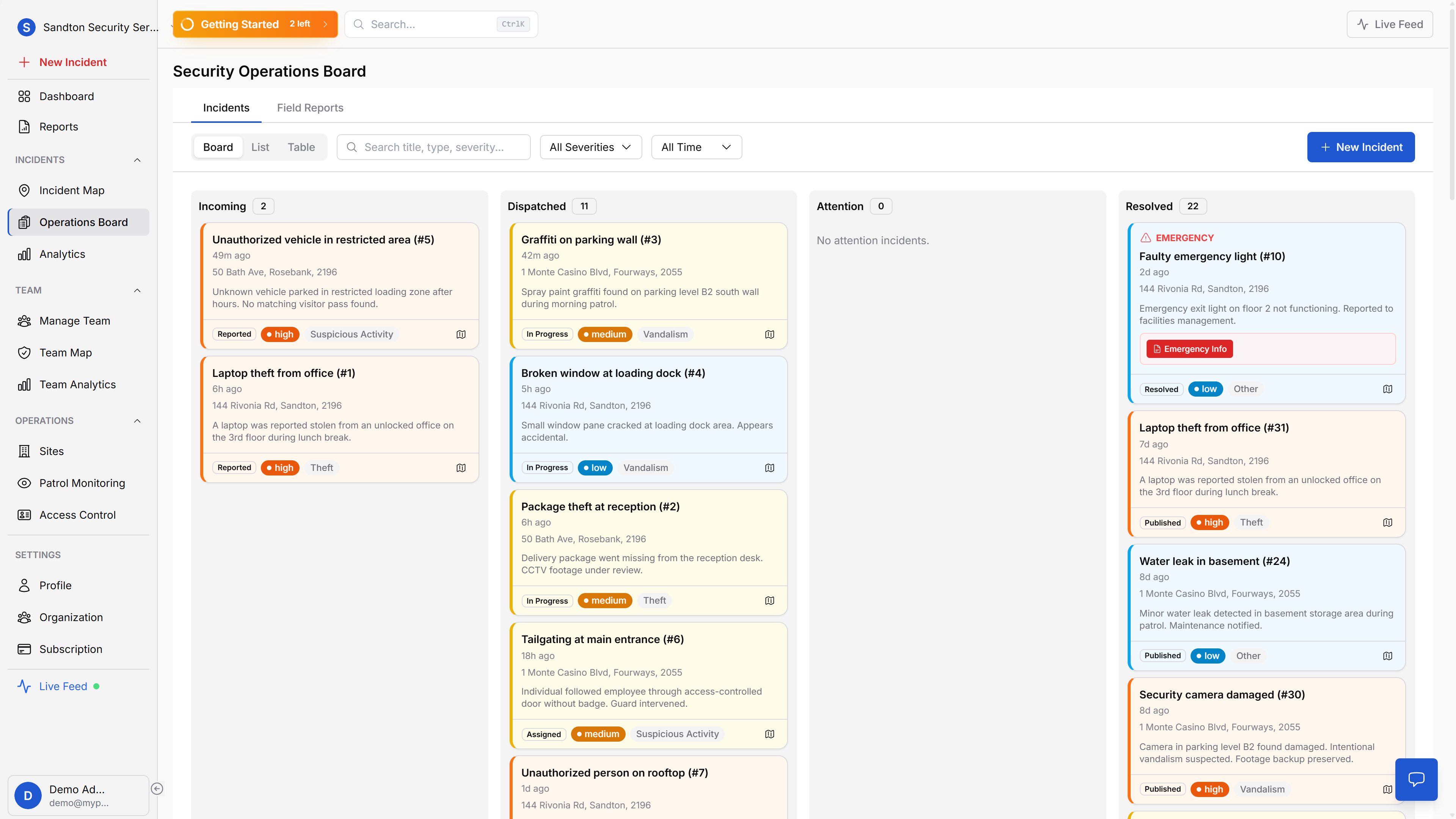
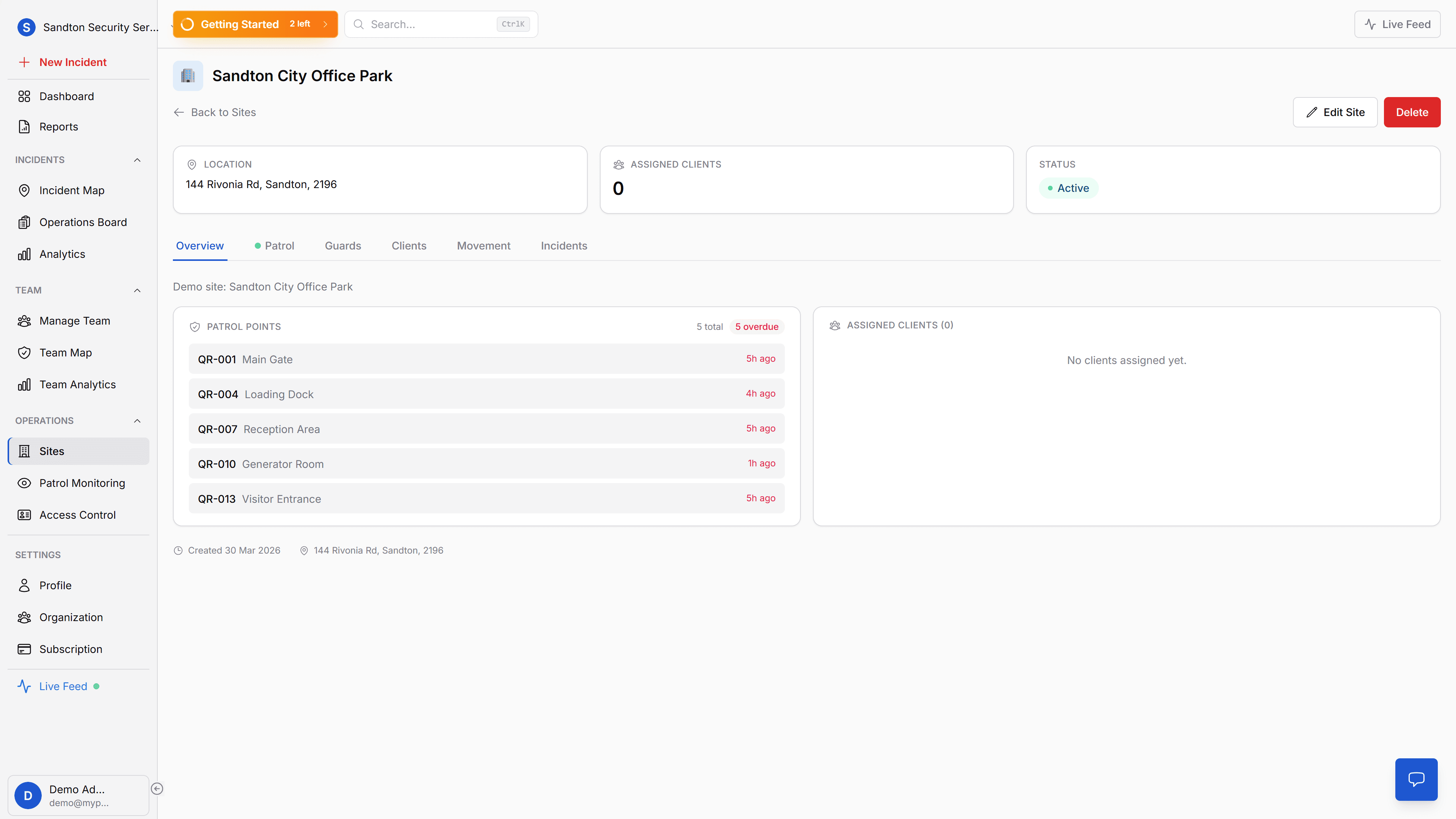
Each site then becomes the working area where patrol points, checkpoint status, and local operational detail are managed.
 Click to expand
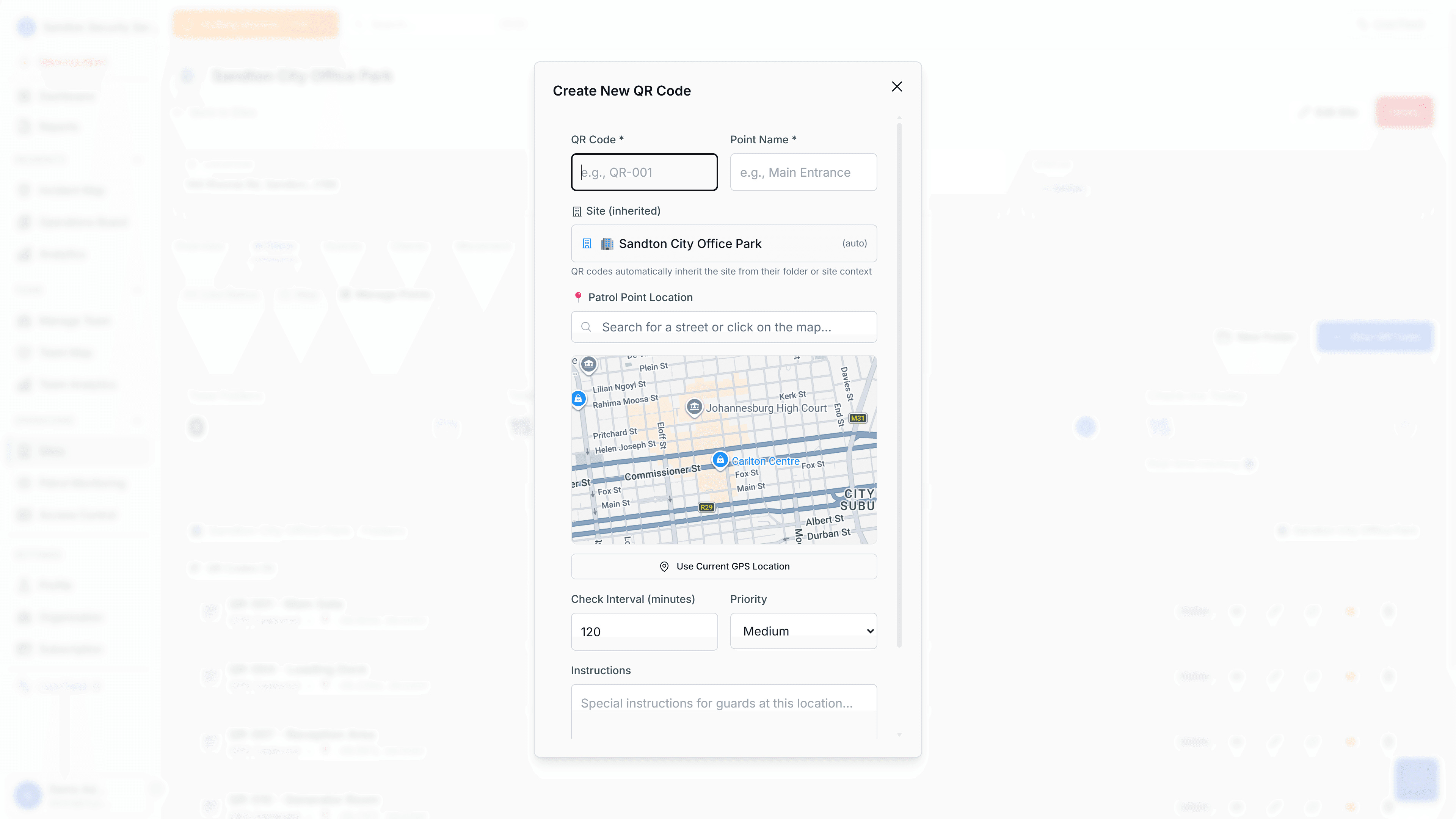
Checkpoint creation happens in the dashboard, where you define the patrol point and generate the signed QR code.
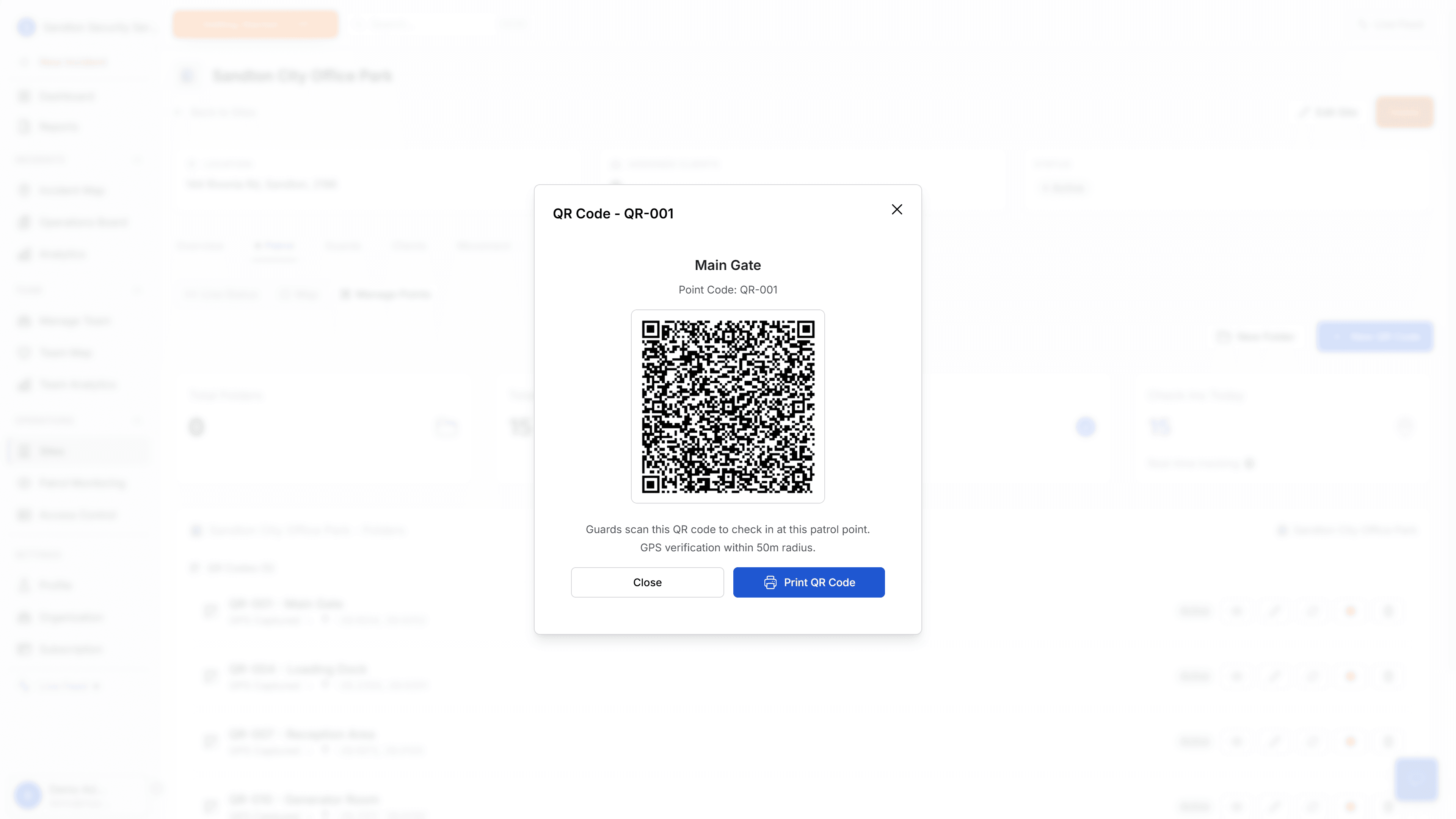 Click to expand
Once created, the code is printed and mounted at the real-world checkpoint where the guard must physically scan it.
A dashboard that shows what's overdue before you ask
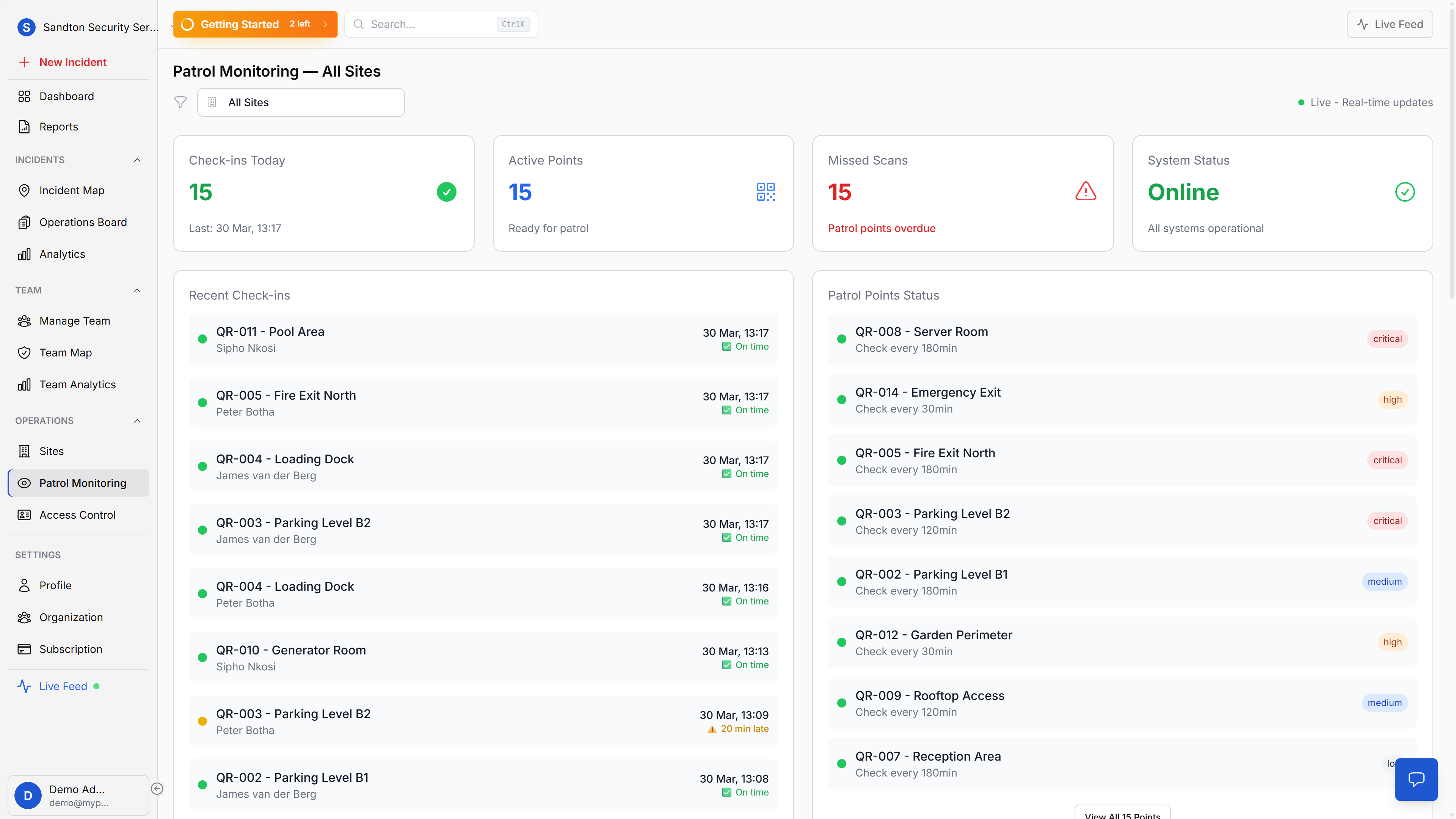
The QR Checkpoint Watchlist on your main dashboard displays up to 12 checkpoints, sorted by urgency. Four states give you the picture at a glance: overdue checkpoints where the expected interval has passed, due soon checkpoints approaching their window, never scanned points that have not been checked since creation, and upcoming points with time remaining.
Critical and high-priority checkpoints that are overdue appear first. You see the problem before the client calls about it.
Offline-resilient by design
Security sites often have connectivity dead zones, basements, parking garages, rural perimeters. MyProtektor handles this by queuing scans locally on the device when there's no connection. Data syncs to the cloud automatically when the guard moves back into signal range. No scan is ever lost.
Why this matters for your business
Forgery is not an option. Ed25519 cryptographic signatures mean a QR code cannot be duplicated, photographed, or faked. The guard's phone verifies the signature before accepting the scan. Paper-based patrol systems have been gamed for decades, and some companies have lost contracts because they could not prove patrols happened.
Problems surface before incidents happen. When a checkpoint goes overdue, you know immediately. You can call the guard, reassign the round, or investigate, instead of discovering the gap after a break-in. The watchlist on your control room dashboard flags overdue points sorted by priority, so the most critical checkpoints get attention first.
Audit-ready records. Every scan is timestamped with GPS data and guard identity. When a client, insurer, or auditor asks for patrol records, you export the data as a PDF or CSV report, not a stack of logbooks that may or may not be legible. Patrol Analytics reports (Professional plan) give you completion rates and patterns over time.
Guard accountability without micromanagement. The system does not tell guards how to do their job, it proves that they did. Guards follow their normal routes, scan checkpoints as they pass them, and the dashboard confirms the round was completed. For security firms managing multiple sites with rotating guards, this turns patrol compliance from a trust exercise into a documented fact.
Getting started
Print the QR codes from your dashboard, mount them at the physical locations guards must visit, and organise them into folders by site. Set priority levels and check intervals per checkpoint. Guards scan with their phone, no additional hardware, no special training.
Patrol verification requires the Professional plan. For setup instructions, see the Patrol Points documentation.