The WhatsApp problem every security company knows
A guard reports a break-in attempt at a residential site. Within minutes, the client chat is flooded, residents asking questions, sharing rumours, posting unverified information. Every security company managing residential or commercial contracts knows this scenario. Your operations manager is fielding calls from the client, the site manager, and people who saw the messages.
The incident was handled. The guard responded correctly. But the communication turned a controlled situation into a crisis of confidence.
WhatsApp groups are fast, but they are uncontrolled. Anyone can post anything. There is no review process, no editorial control, and no way to ensure clients see only verified, accurate information.
How MyProtektor handles it
One app, role-based access, no separate client portal
MyProtektor uses a single app for everyone: guards, admins, and clients. The difference is what each role can see. There is no separate "client portal" or "client app" to install and maintain, visibility is enforced by the platform based on the user's role.
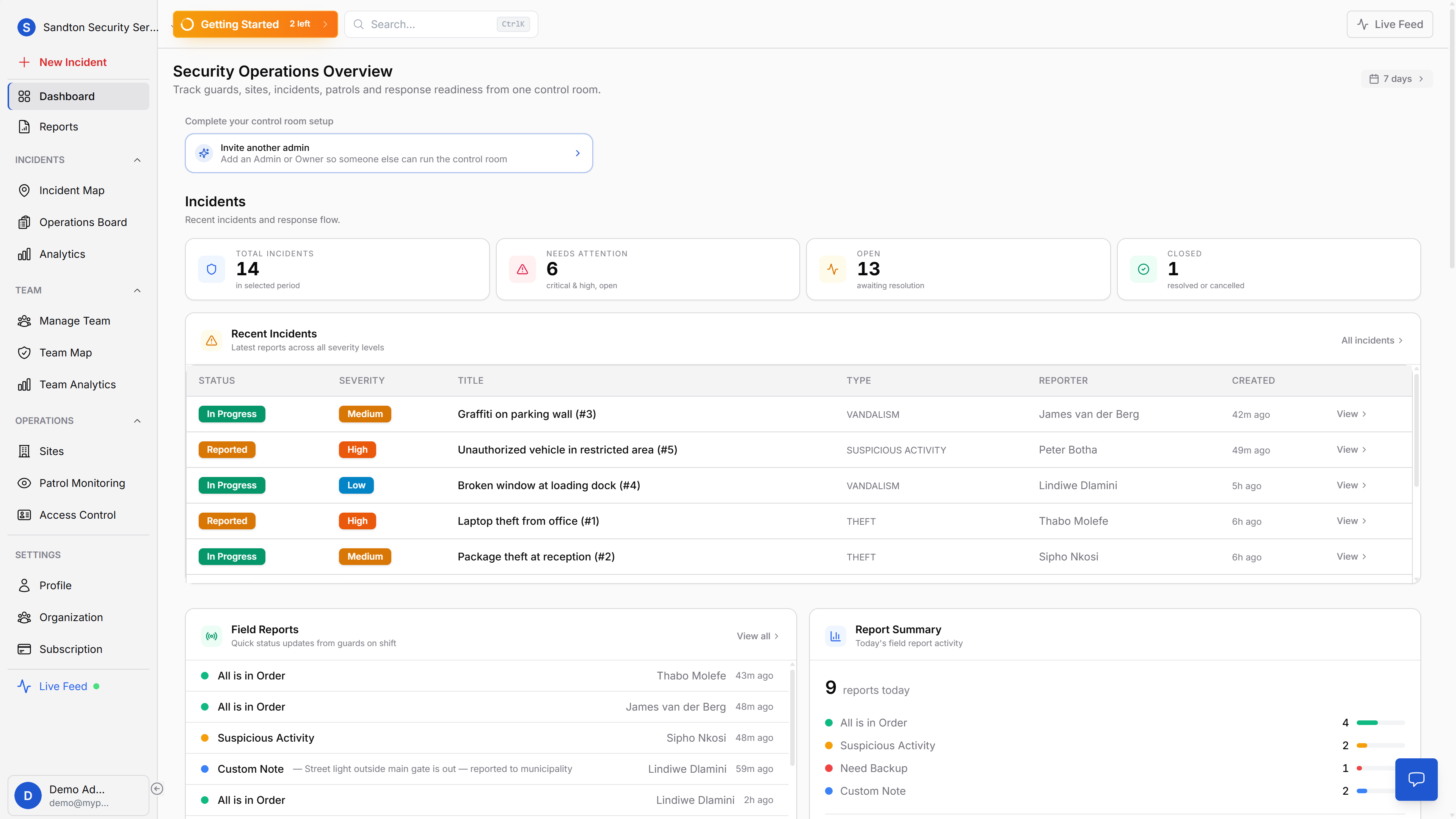
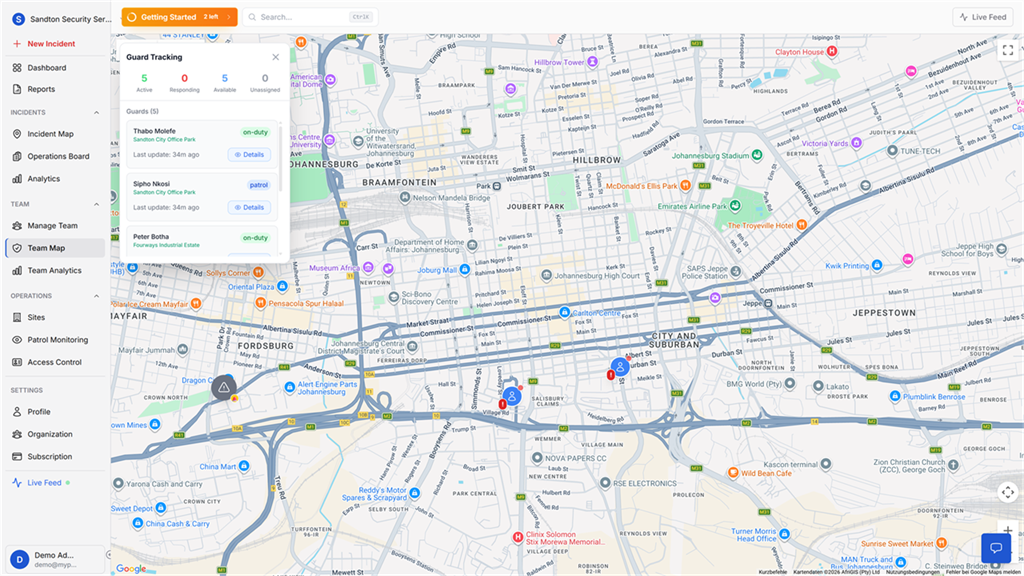
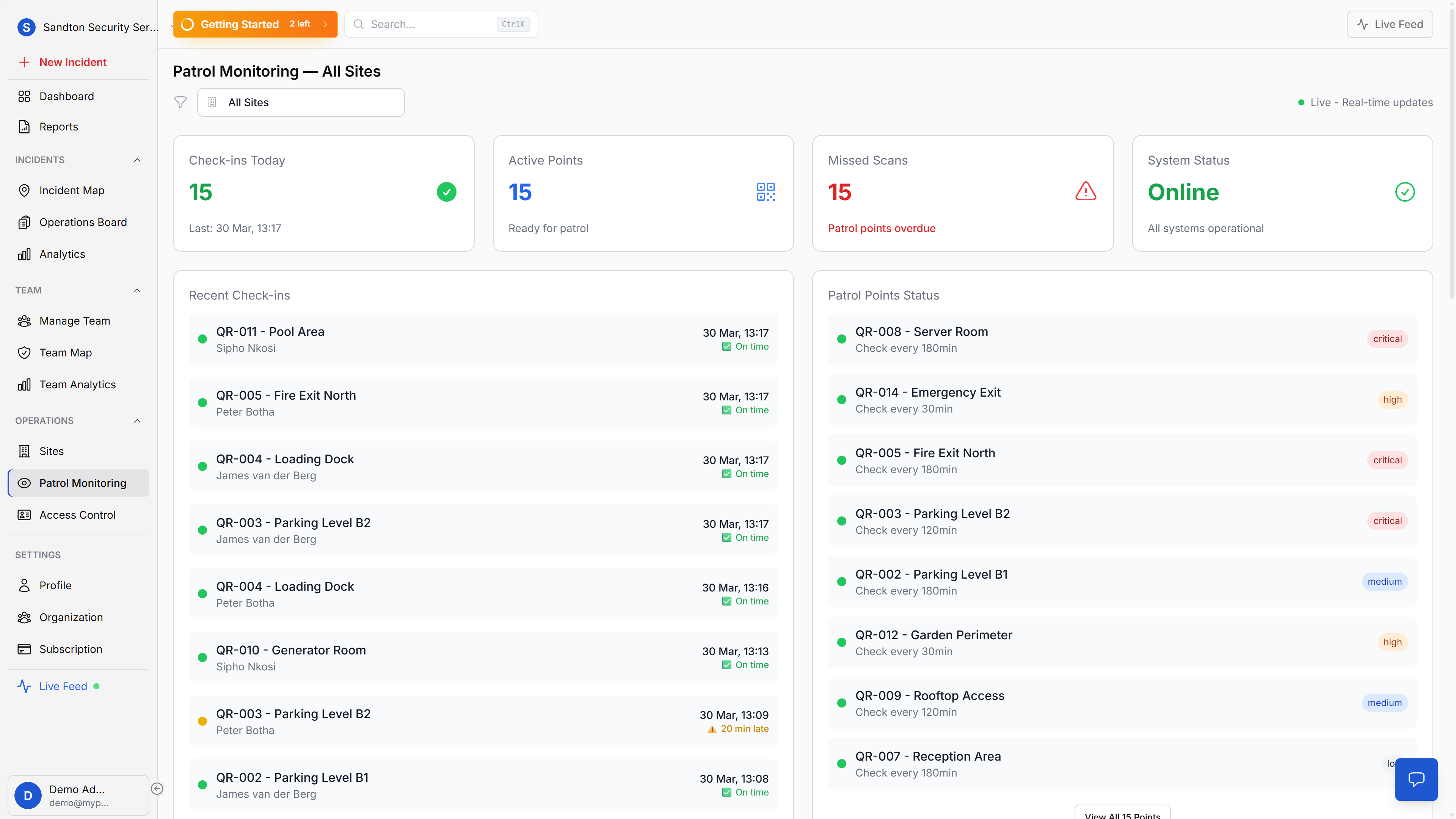
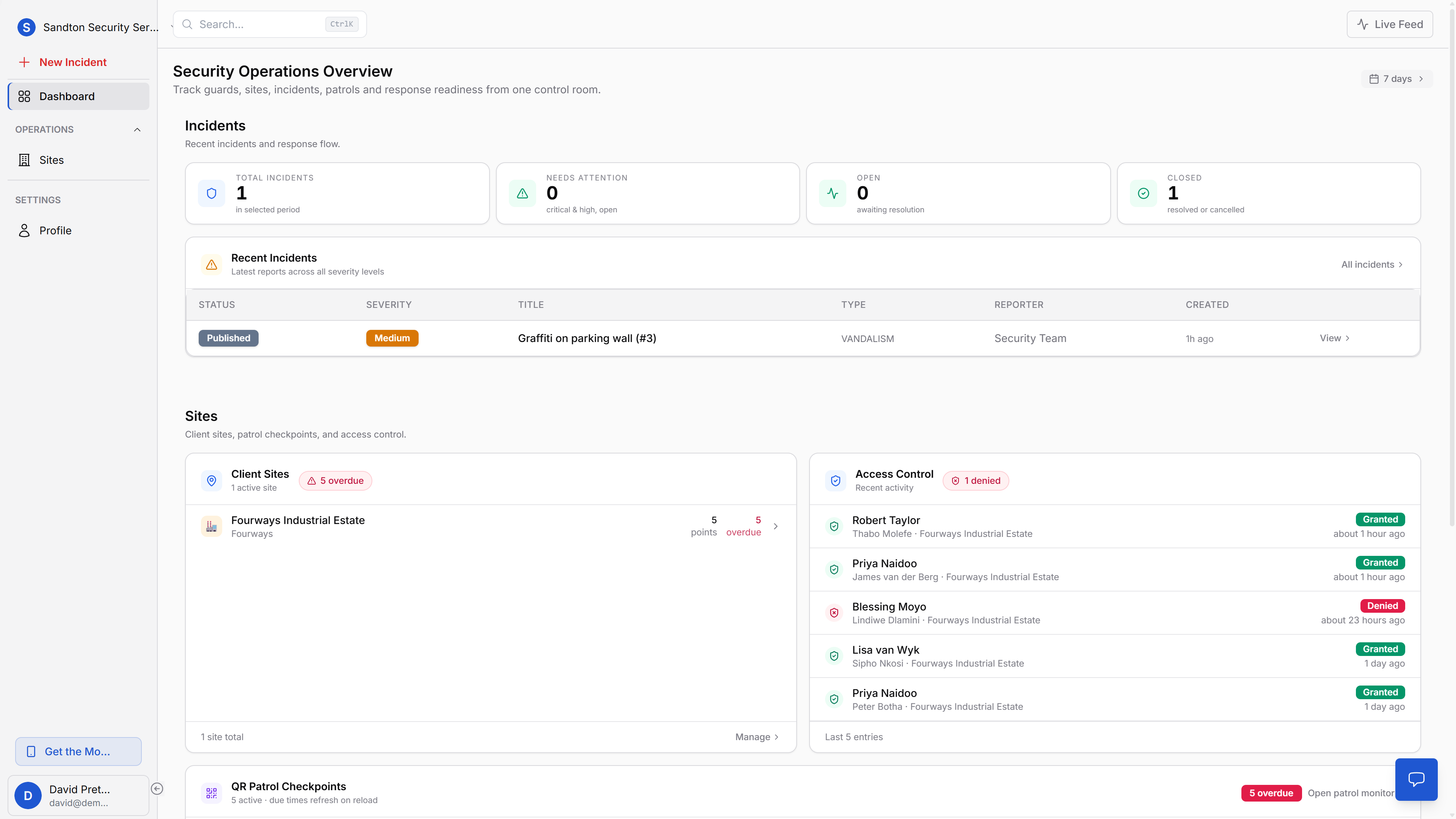
Owners and Admins see everything: all incidents, guard tracking, patrol monitoring, analytics, and team management. Guards see incidents, can file reports, scan checkpoints, and manage their shifts. Clients see published incidents for their assigned sites.
The publish toggle, editorial control built in
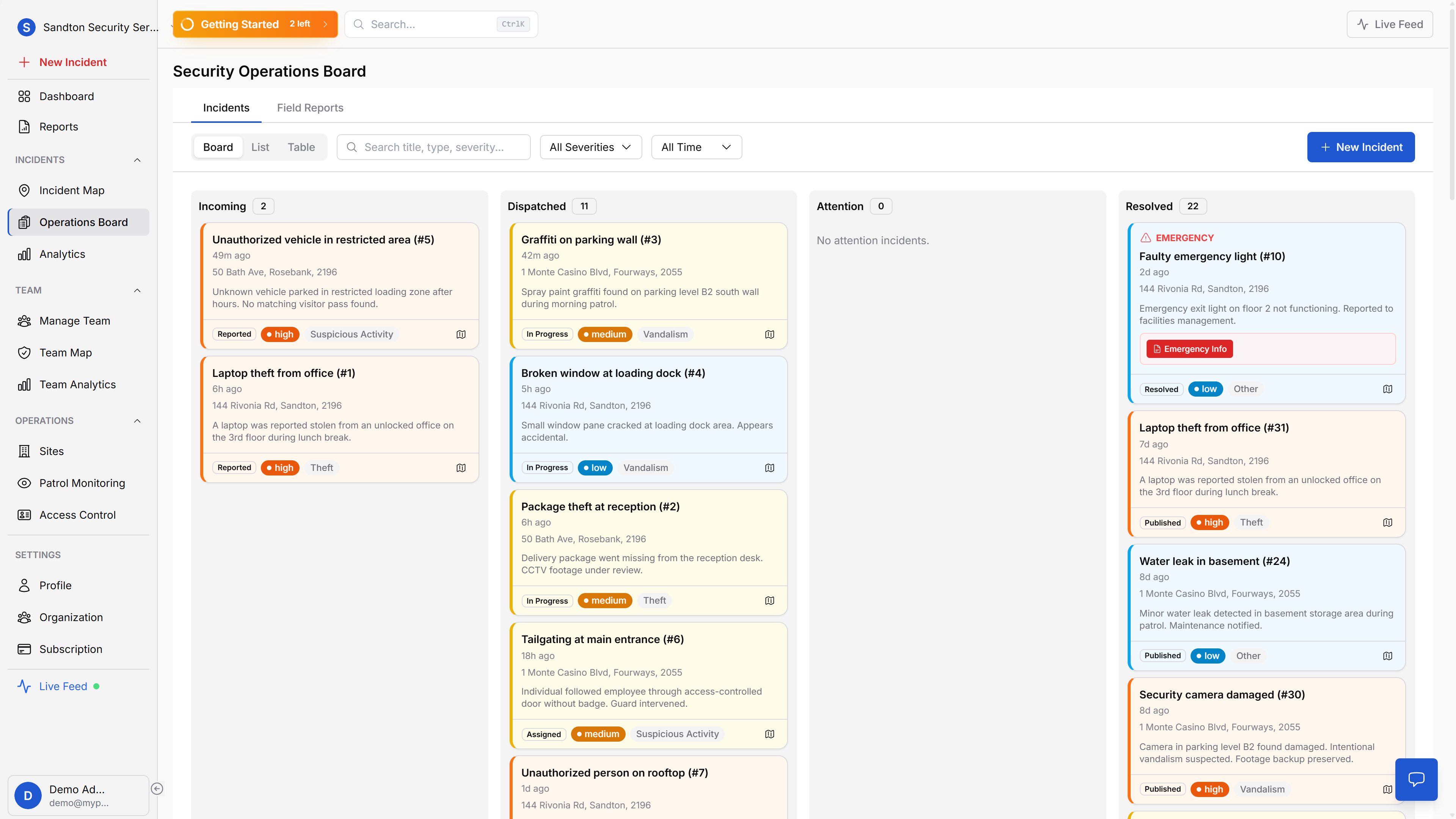
When a guard files an incident report, it enters your internal workflow. Admins see it immediately and can investigate, assign guards, update the status, and add notes. The incident stays internal until an admin explicitly toggles it to published.
This is a deliberate action, not an automatic process. Your admin reviews the report, ensures the information is accurate and appropriate, and then publishes it. Only then does the client see it.
Draft reports, guard locations, internal notes, and operational communication stay invisible to clients, always.
 Click to expand
Client panic button
Client users can use the same one-tap panic infrastructure as guards when enabled by the security company. Their alert reaches your control room with GPS coordinates, timestamp, and identity, the same priority and data quality as a guard's alert.
What clients actually see in the app
The client experience is not theoretical or hidden behind a sales promise. Clients get a real mobile app with a dashboard, incident feed, live map, and role-limited emergency workflow.
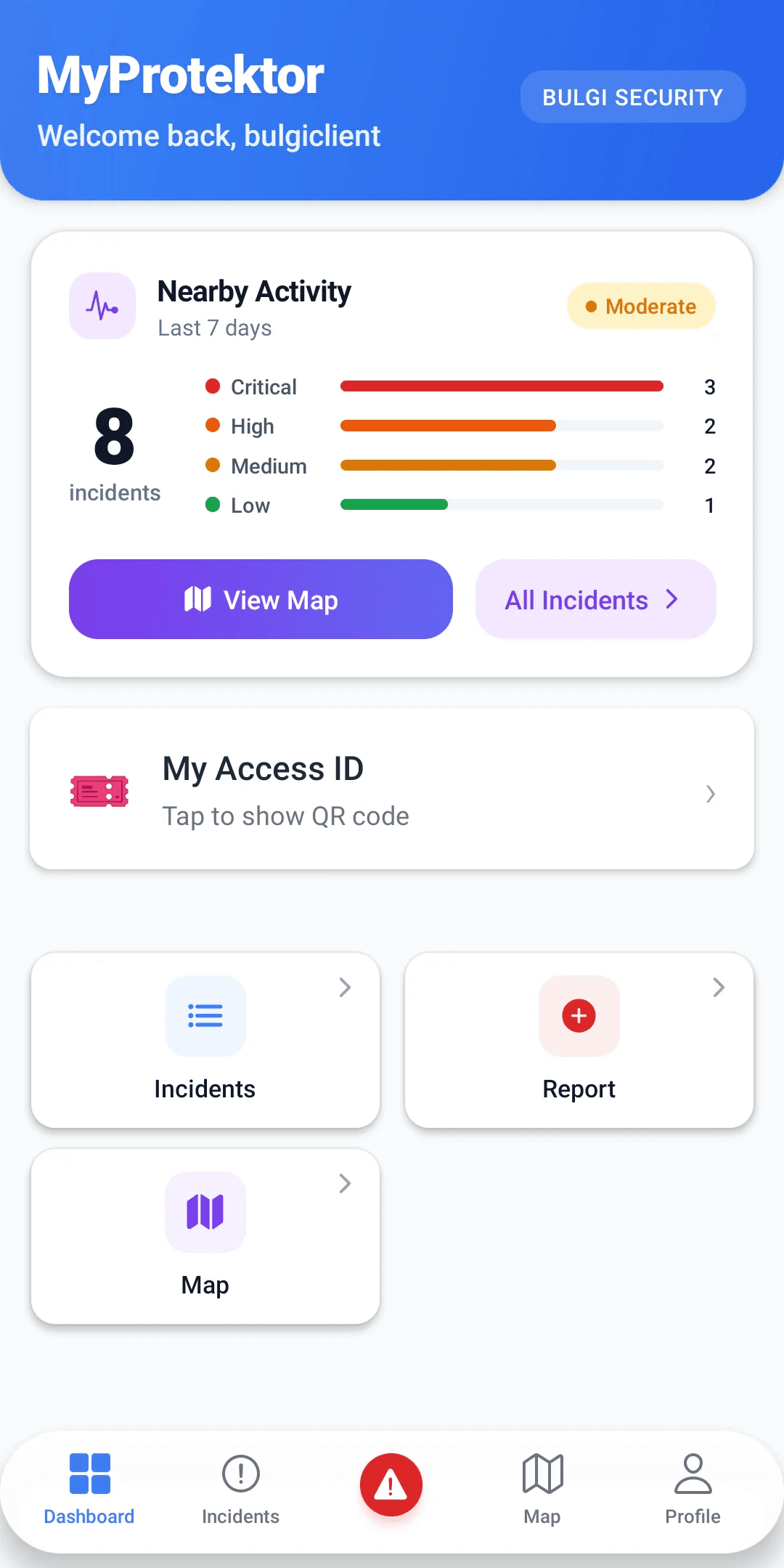
The dashboard gives clients a quick read on what is happening around them without exposing internal operator tools.
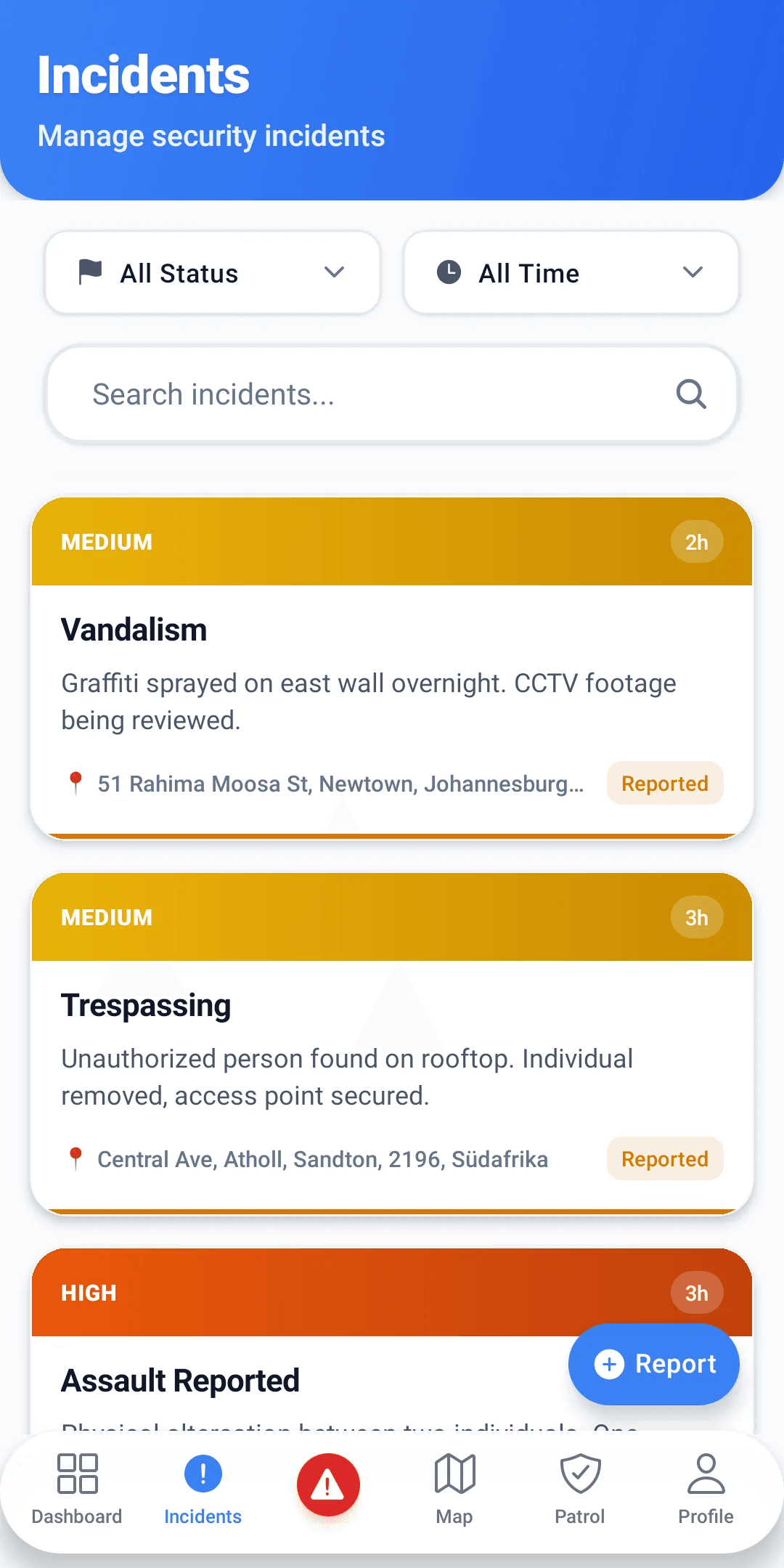
The incident feed is where published updates live. Clients see reviewed information, not internal draft notes or guard chatter.
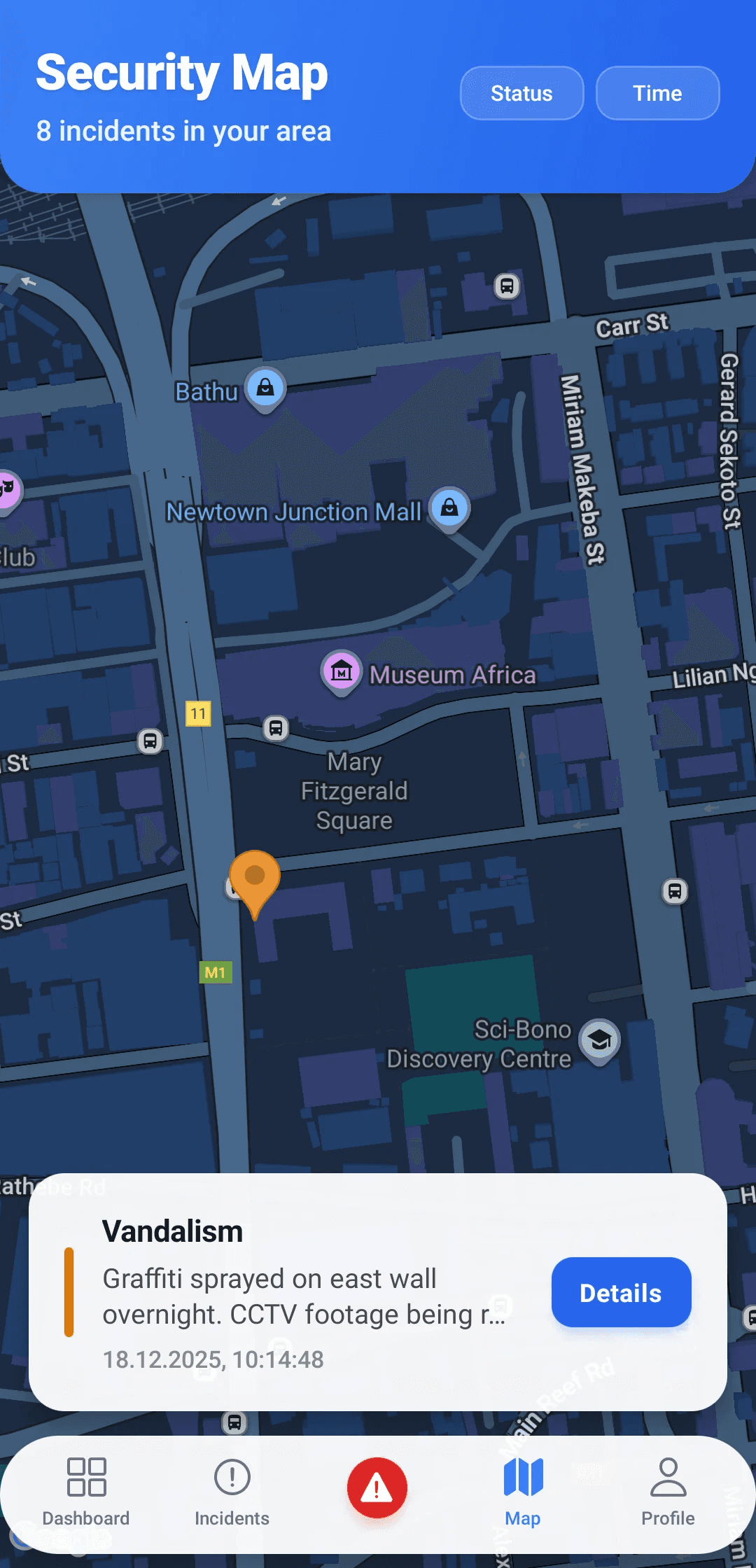
The live map gives neighbourhood context while still respecting privacy and publication controls.
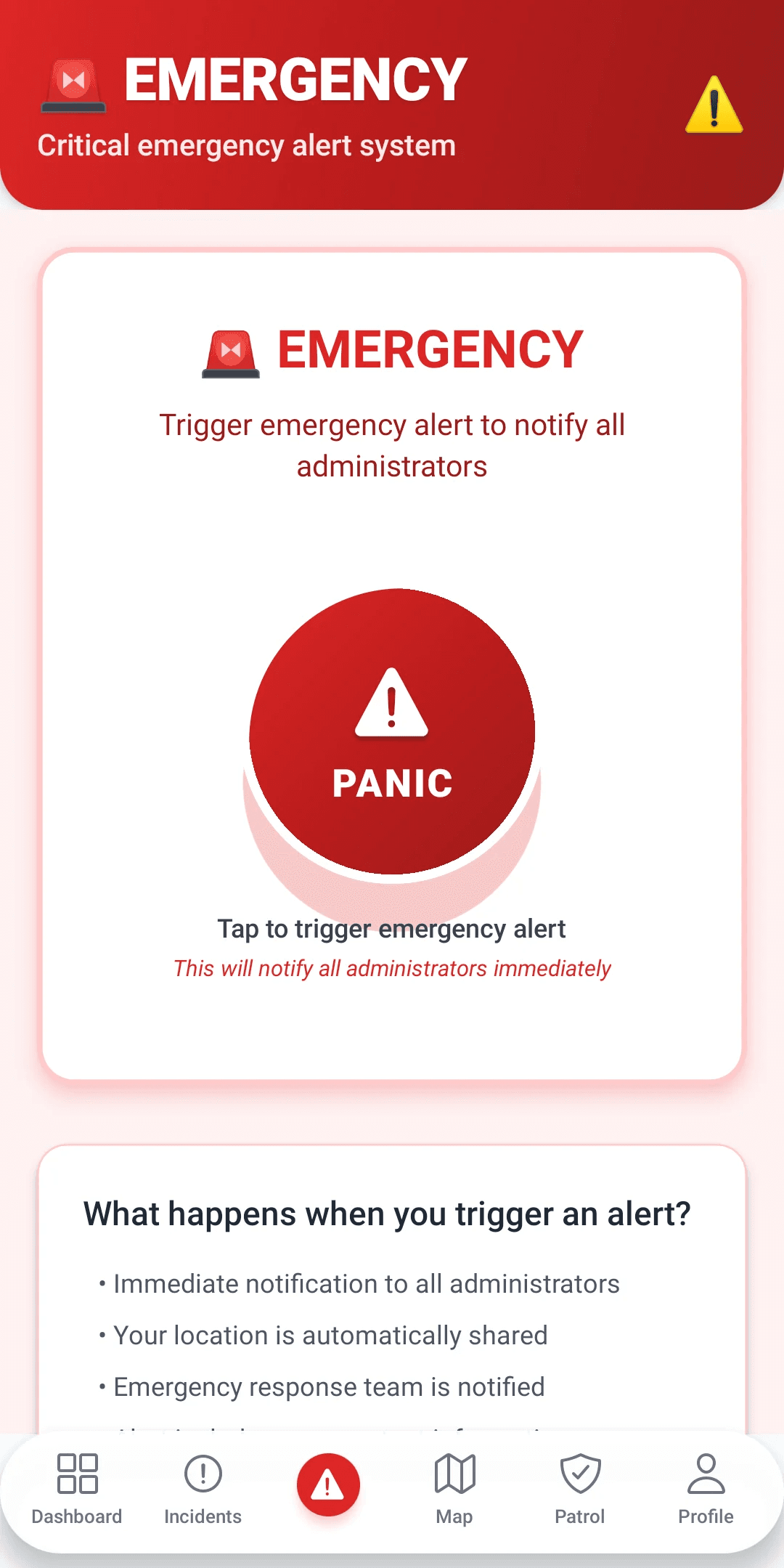
And when the situation is personal and immediate, the panic button is one tap away inside the same app.
Why this matters for your business
Professional image. Your clients see verified, reviewed information through a professional interface, not a chat thread where anyone can post anything. That is the difference between a security firm that manages communication and one that reacts to it. For residential and commercial properties, this is often the difference between retaining a contract and losing it.
Editorial control prevents damage. A false alarm reported by a guard stays internal until you confirm it. A sensitive incident involving a specific resident is reviewed before clients see details. A break-in that was handled cleanly gets published with the right framing. You decide what gets shared and when, not the most anxious person in a WhatsApp group.
No separate systems to manage. One app, one login, one set of credentials for every role. No "client portal" with its own maintenance, its own bugs, and its own onboarding process. When you add a new client, they download the same app your guards use. When they open it, they see only what their role permits.
Clients and property managers get what they need. In site security, clients want regular evidence that your company is performing. Published incidents give them a verified, timestamped record of how your team handled situations on their property. No more "can you send me a summary email at the end of the month."
Getting started
Invite clients from your dashboard, they download the same MyProtektor app and sign in. Guards file reports through the same app they already use for patrols and shift management, so adoption is not a separate problem. If a client's phone loses signal, published incidents sync the next time they open the app, nothing is lost. Their view is automatically restricted to published incidents for their assigned sites. No configuration needed beyond the invitation.
Client communication connects to your broader operation: published incidents originate from the same emergency response workflow your guards use, and your control room dashboard shows published vs internal status at a glance.
For details on inviting clients and managing visibility, see the Client Access documentation.