For South African security companies, guard team management keeps staff records, qualifications, certificates, expiry dates, and duty status ready for client queries, insurer checks, and operational audits.
A client asks for proof of qualifications. The certificates are in a filing cabinet, and the key is with someone on leave
Your client needs to confirm that the guard assigned to their site holds the right security licence, training record, and current First Aid certificate. You know the guard is qualified. But the certificate is in a filing cabinet at the office. The office key is with the operations manager who is on leave until Thursday. The licence number is written on a piece of paper that nobody can find.
The guard has the skills. Your company lacks the system to prove it.
This is a compliance gap, and it surfaces at the worst possible moment: when a client, an insurer, or a regulator asks for documentation you should be able to produce in seconds.
How MyProtektor handles it
The guard roster, everyone on one screen
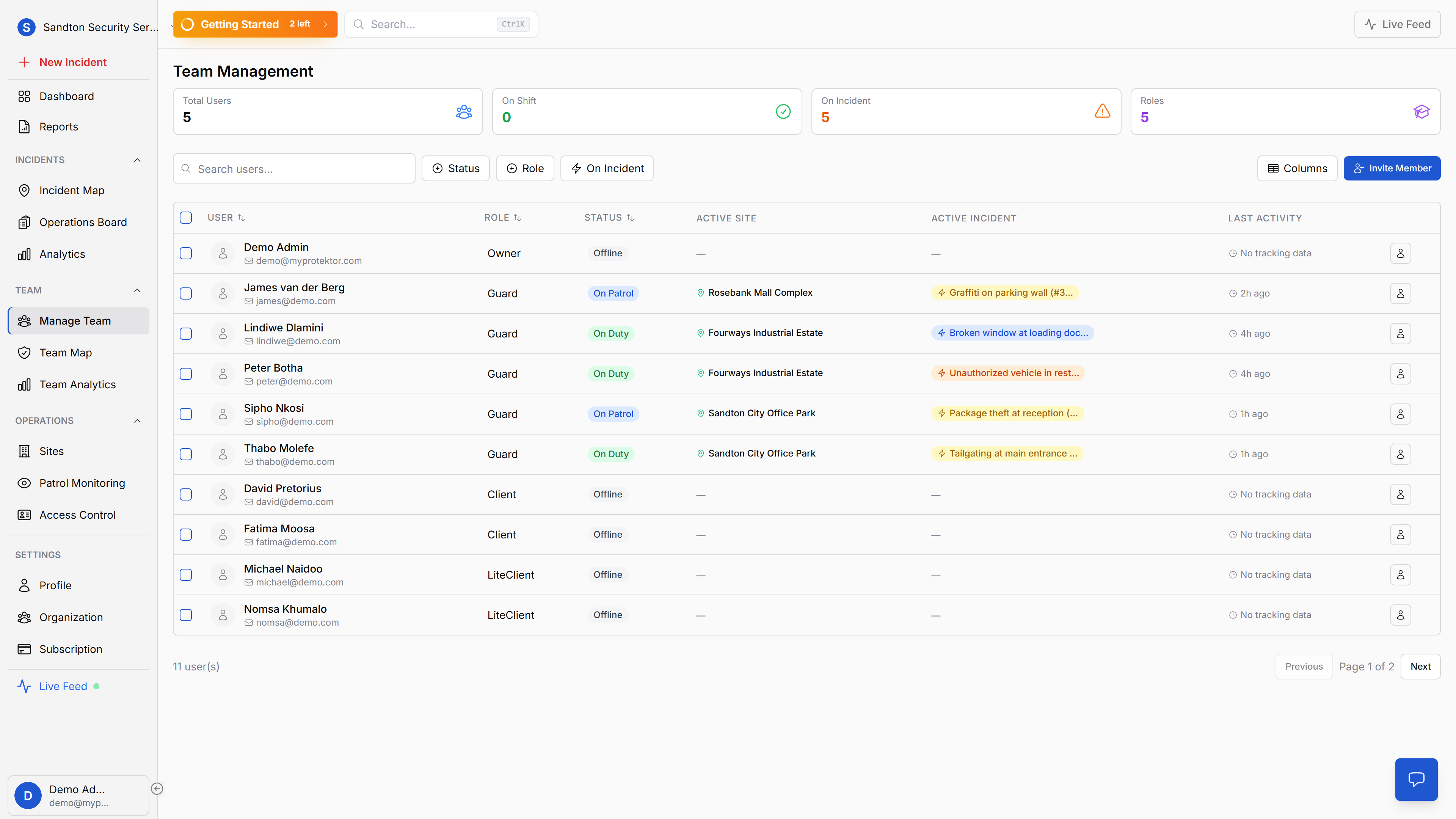
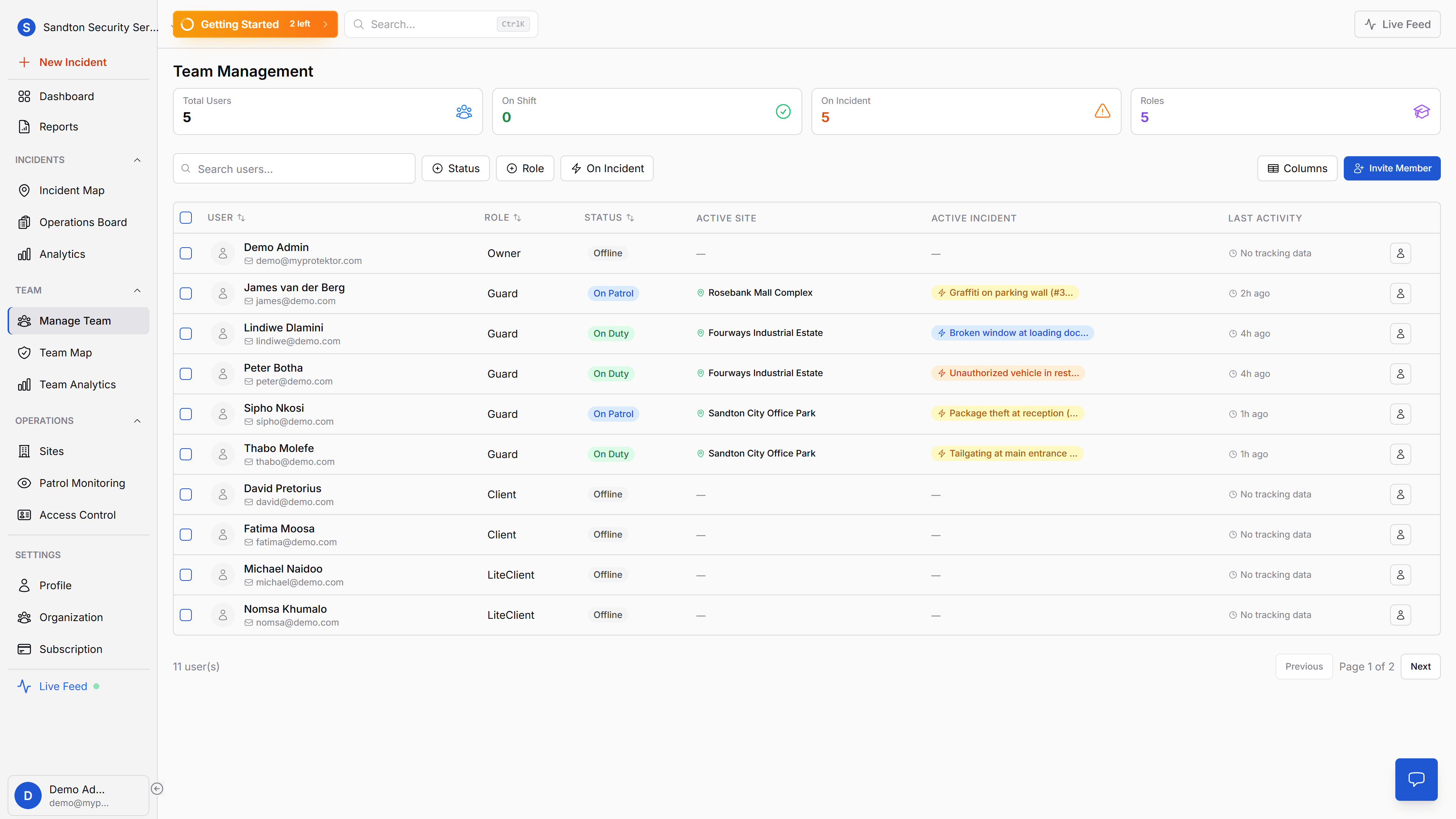
The team management page shows every person in your organisation in a single table: name, current status (On Duty or Offline), role, specialisations, and most recent activity. Summary counters at the top break down totals, who is on shift, who is on an active incident, and role distribution.
 Click to expand
Filters let you narrow the view by role (Guard, Admin, Owner), by status (On Duty, Offline), and by active incident assignment. When an incident comes in and you need to find who is available, you see it in seconds, not minutes.
Guard profiles with five tabs
Click any guard and their unified profile opens with five tabs. Profile shows personal details and emergency contact information. Work covers employee ID, department, supervisor, and work schedule. Skills is where certifications live, each specialisation with cert dates, expiry, certification numbers, and uploaded documents. Activity shows recent logged events. Movement links to their shift-scoped GPS history.
Nine specialisations are tracked: Crowd Control, K9 Handler, Firearms, First Aid, Access Control, Surveillance, VIP Protection, Event Security, and Patrol. Each entry stores certification dates, expiry dates, certificate numbers, and uploaded documents, the kind of records that regulators, insurers, and clients ask for.
Certificate expiry alerts before they become a problem
A Cloud Function runs every Monday at 8:00 AM and checks for certificates that have expired or will expire within the next 4 weeks. When it finds one, it notifies the relevant Admin and Owner via push notification, email, and the activity feed. You don't discover an expired certificate during a client audit, you know about it weeks in advance.
 Click to expand
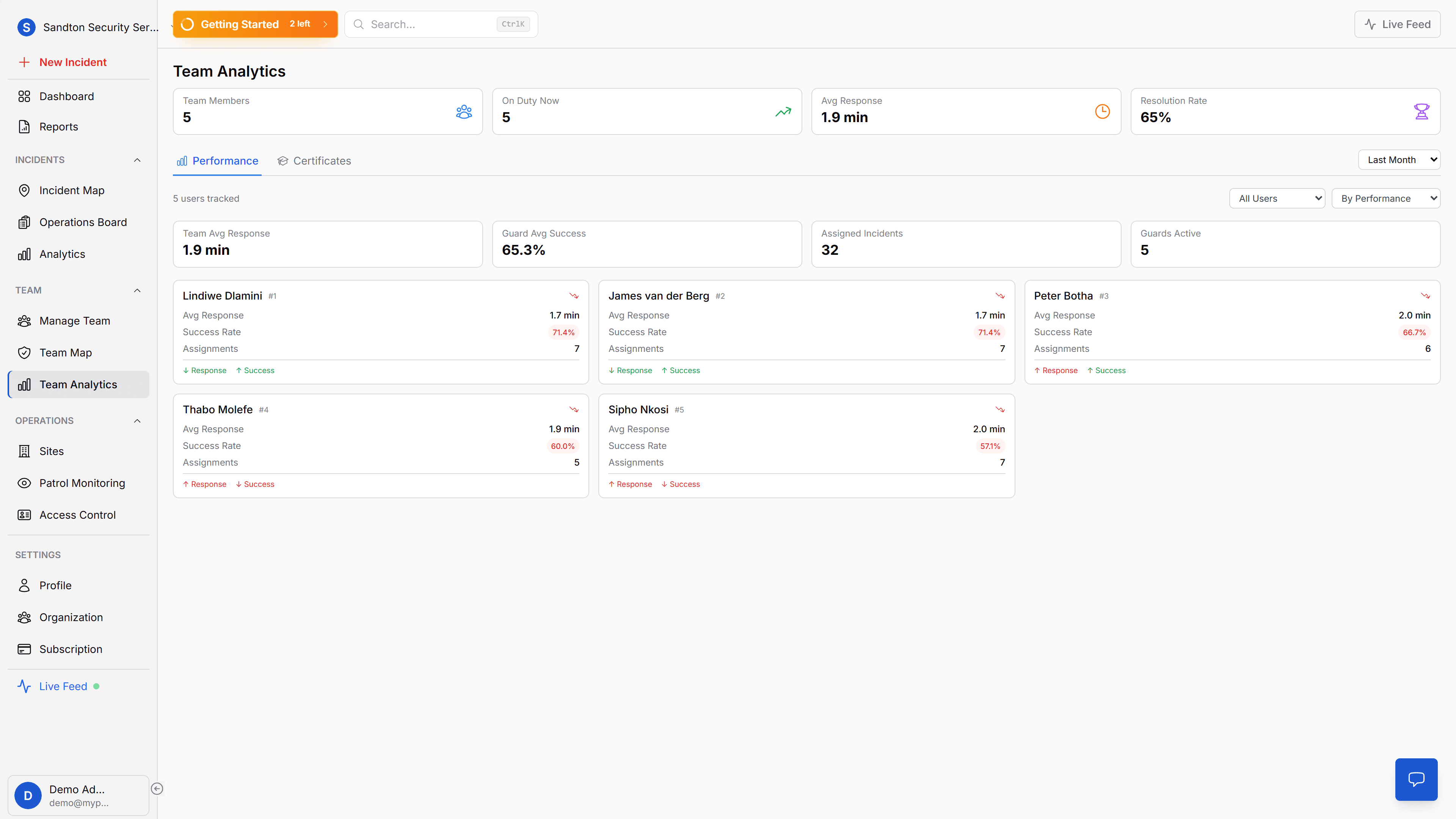
Team analytics adds another management layer: beyond who is on shift right now, you can review performance patterns, certification coverage, and broader team health over time.
Shift management, guards start when ready
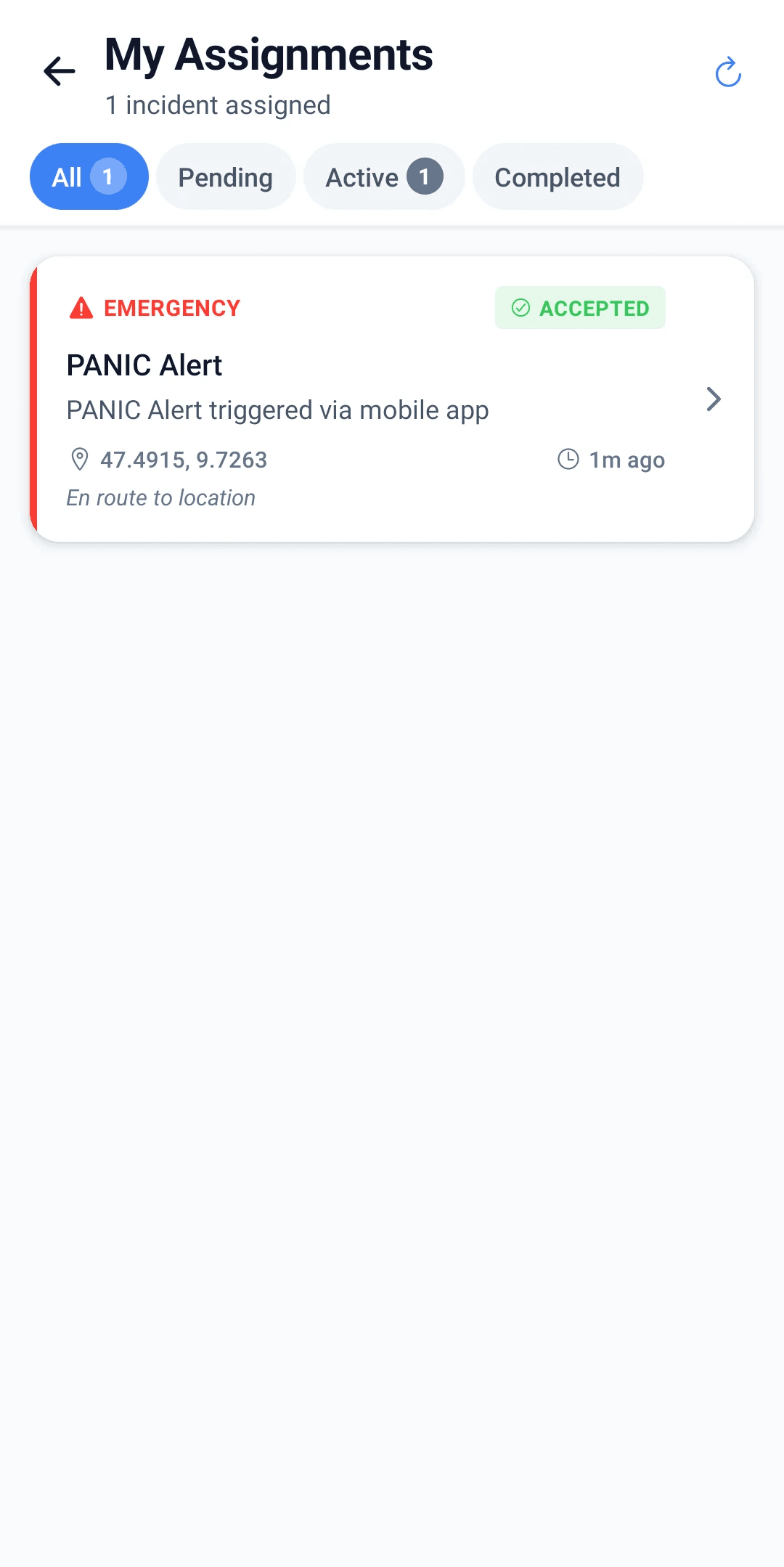
Guards start their own shifts from the mobile app. There are no pre-assigned rosters or schedules, the guard taps "Start Shift," completes compliance checks (background location permission, battery optimisation disabled), and GPS tracking activates automatically. Admins see each guard's duty status on the dashboard in real time: on-duty, on patrol, break, emergency, offline, or off-duty.
This is a deliberate design. Field security operations often have variable schedules, last-minute changes, and guards covering for each other. A rigid pre-assigned roster would create more friction than it solves.
Why this matters for your business
Compliance readiness. When a client, insurer, or regulator asks for guard qualifications, you open the profile and show the certificates. Digital records with dates, numbers, and uploaded documents, available in seconds from any device.
Smarter assignment. When an emergency needs a specific skill, firearms for a high-risk escort, First Aid for a medical emergency, K9 for a perimeter breach, you know who has that qualification and who is on duty.
Reduced admin overhead. No paper filing cabinets, no spreadsheets tracking expiry dates, no manual reminders. The system tracks it and alerts you before anything lapses.
Getting started
Guards download the MyProtektor app and sign in. Admins complete their profiles, personal details, work information, and certifications, from the web dashboard. The guard's mobile app shows only what they need for their daily work. No separate HR system, no data migration, no training beyond the initial profile setup. Once a guard starts their shift, their GPS movement history is recorded automatically and accessible through the Movement tab in their profile.
For step-by-step instructions, see the Guard Management documentation and Profile Settings documentation.