Duty status you can verify in seconds
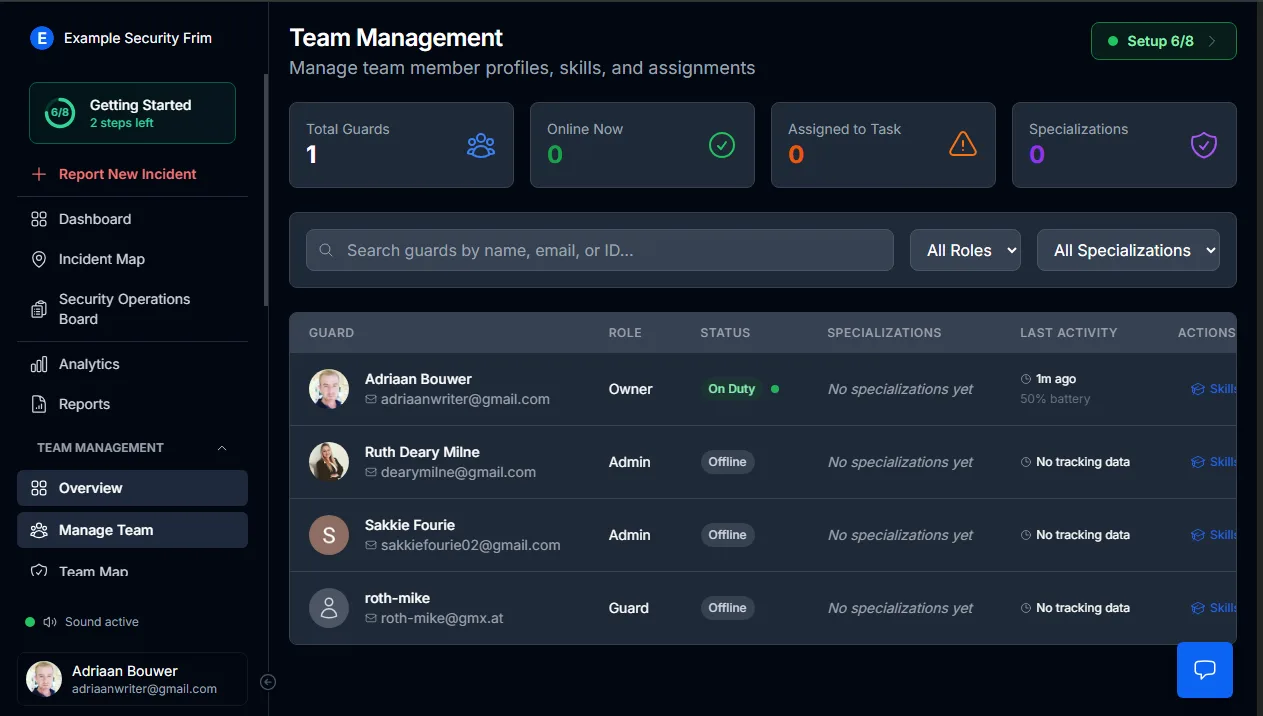
After every incident, one question dominates: who was supposed to be there? MyProtektor answers it instantly with a live, GPS-verified overview of every guard's current duty state.
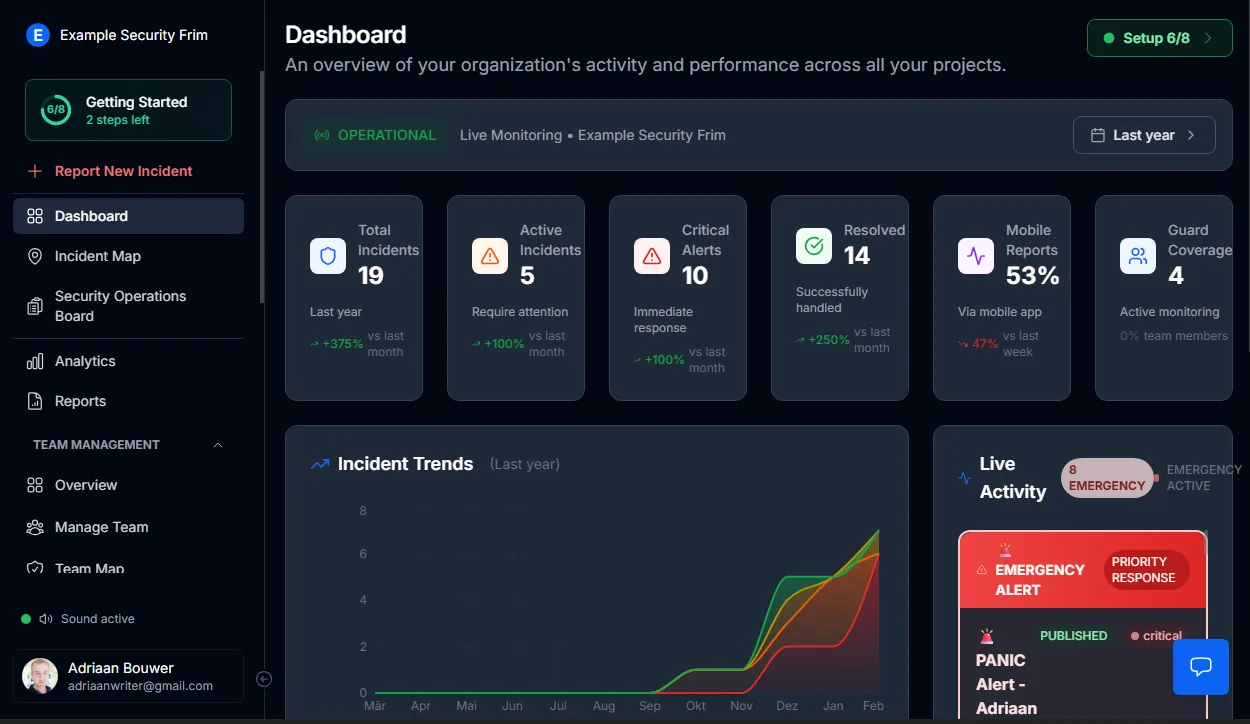
Complete team status on a single screen
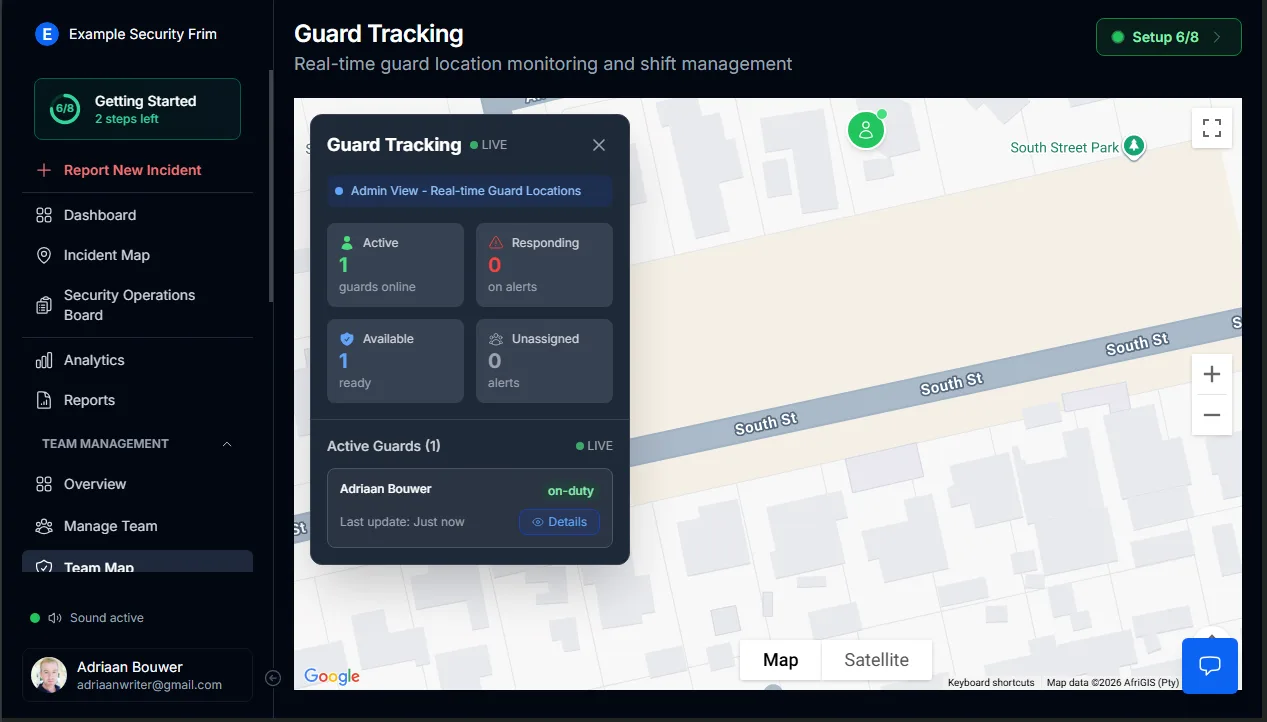
The Team Overview and Guard Tracking panels display everything at once:
- Total registered guards versus those currently online
- Individual status: active, available, responding, or offline
- Guards officially assigned to the current shift
- Timestamps showing each guard's most recent action
Guesswork and phone calls to site supervisors become unnecessary.
Activity that backs up the status label
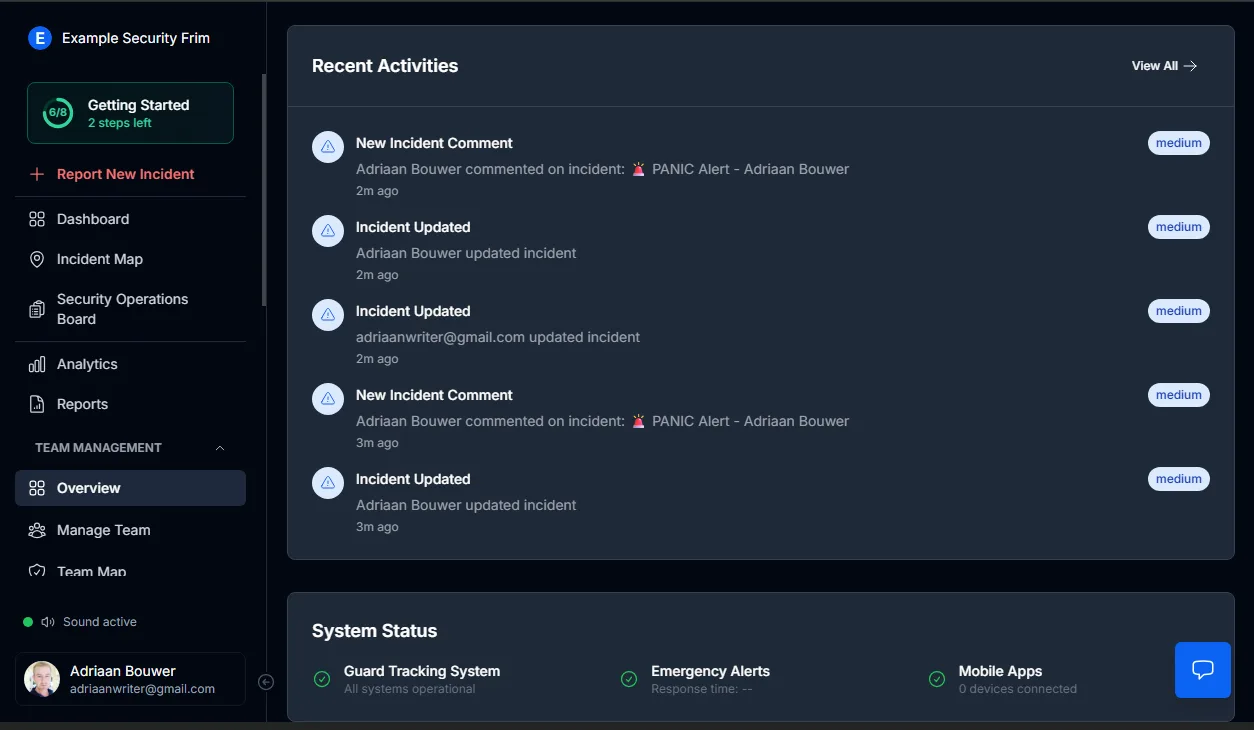
A name on a roster means nothing without proof of presence.
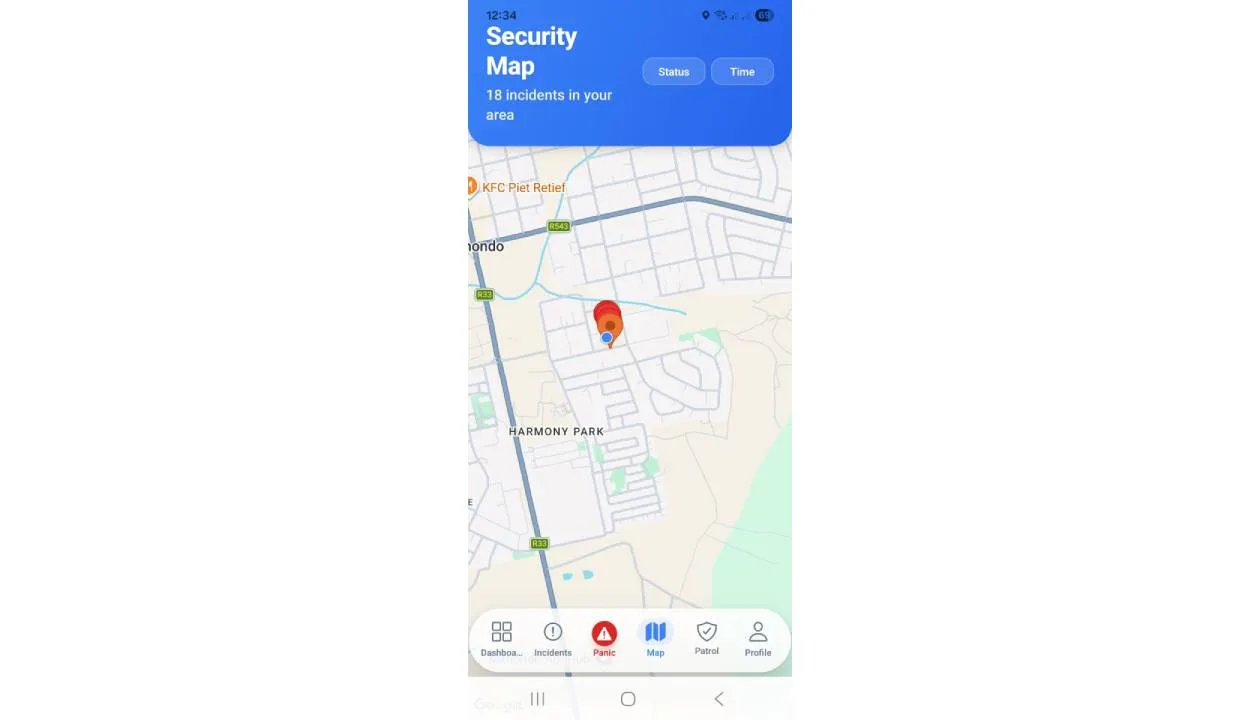
Guard status connects directly to GPS tracking for security guards, verifying duty through:
- Continuous location updates
- Patrol route completion
- Logged incident interactions
- Actions performed during the assigned shift window
When a guard shows as active, the underlying data confirms it.
Shift records that survive scrutiny after incidents
During a real-time incident and emergency response event, the platform captures duty context automatically.
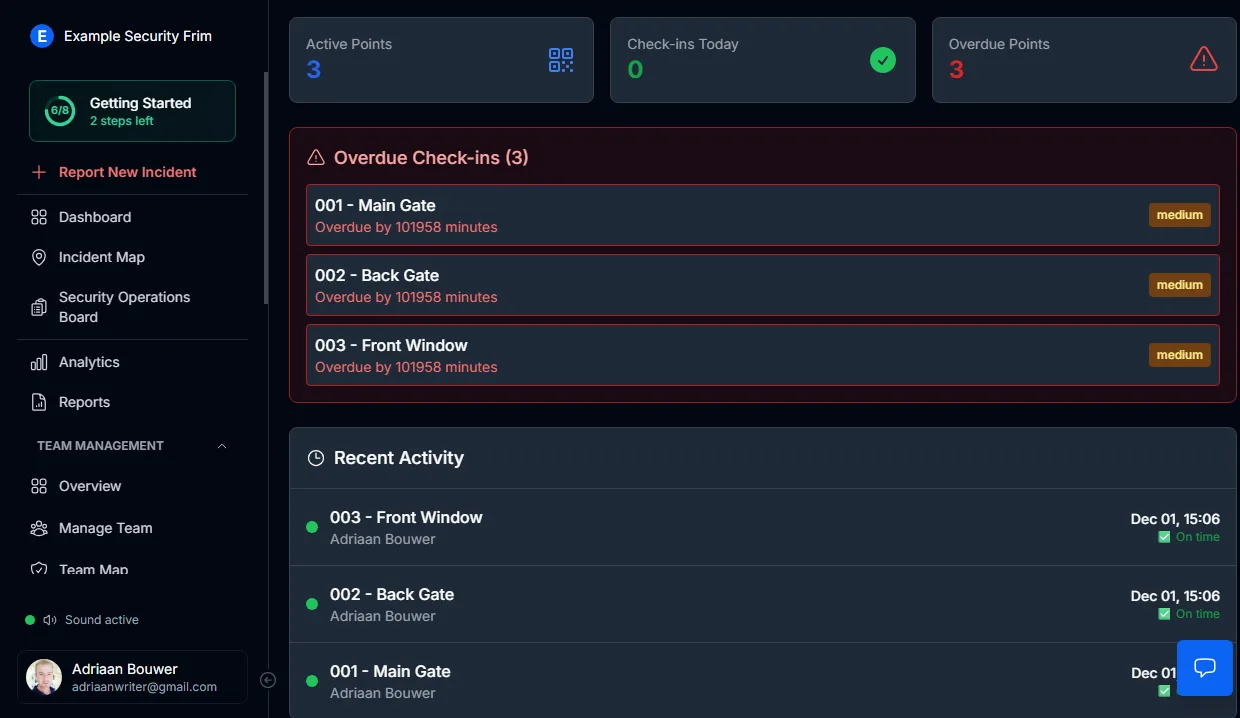
For every incident, the record shows:
- Every guard assigned to duty at that timestamp
- Which guards acknowledged and responded
- Which guards were marked available but took no action
Management receives a factual account instead of conflicting stories from the field.
Data settles the argument
Verbal confirmations and WhatsApp screenshots carry no weight when a client demands answers.
The platform already holds:
- Verified online and active timestamps
- Recorded shift activity per guard
- Assignment records linking guards to duty windows
Responsibility becomes a matter of record, not opinion.
What makes this indispensable for operations managers
Excuses collapse when digital records contradict them.
Instead of:
- Relying on phone-in confirmations for shift starts
- Investigating conflicting accounts after a break-in
- Guessing who bore responsibility for a missed patrol
You operate with:
- Real-time duty visibility across your entire workforce
- Incident records anchored to verified shift data
- Unambiguous operational ownership per guard, per shift
When someone was on duty, the evidence is already captured.
Detailed setup instructions
Step-by-step guides are available in the admin documentation:
- Guard Map Guide — monitor live duty status overlaid on your operational map
- Guard Management Guide — configure guard profiles, department assignments, and scheduling
Get Started
MyProtektor works on any Android or iOS smartphone. No special hardware needed.
View pricing plans to find the right package for your team.