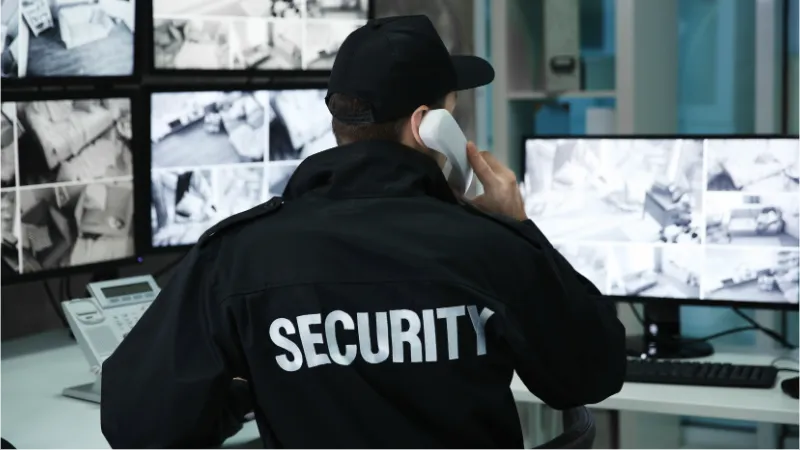
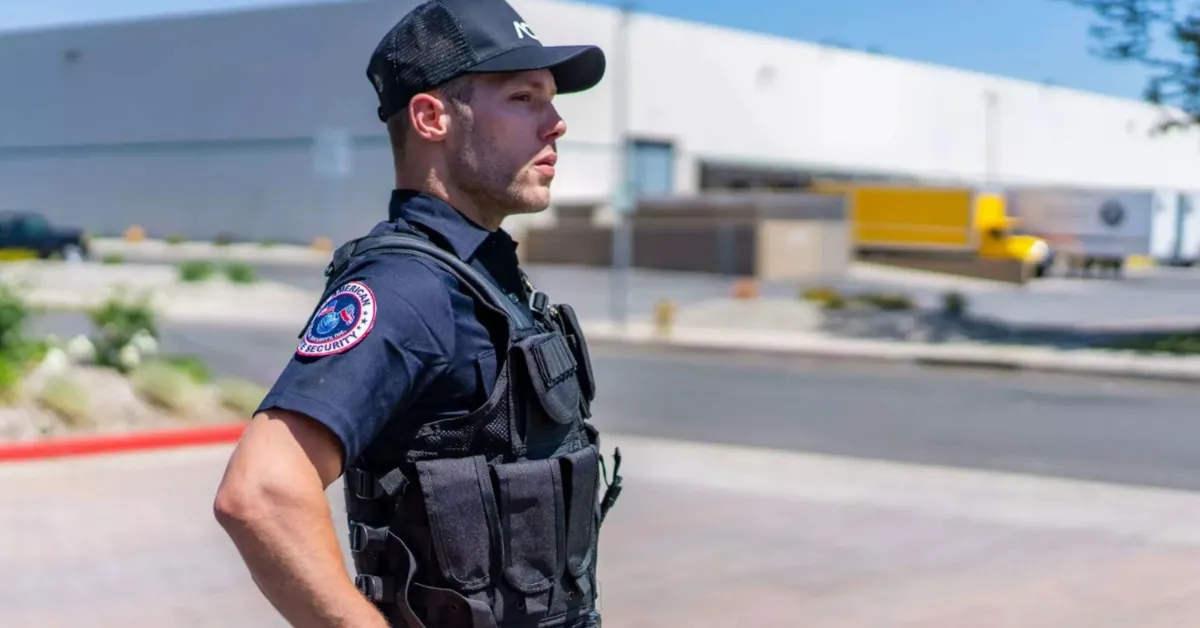
South African security firms face a blunt reality: clients expect digital proof, regulators demand compliance, and the competition has already gone digital. Pen-and-paper operations belong to a different decade.
Modern guard teams rely on rugged hardware, cloud-connected apps, real-time tracking, and camera systems that log every patrol, incident, and shift change. Yet the local environment — load shedding, rural dead zones, extreme weather — makes gear selection far more consequential here than in most markets.
Below is a practical breakdown of the hardware, software, and strategies that separate professional outfits from the rest.
Field-Ready Hardware: Why Rugged Devices Are Non-Negotiable
Consumer-grade smartphones fail fast in the field. Cracked screens, dead batteries by midshift, and lost signal at critical moments cost money and put guards at risk.
Specifications that matter for security work:
- IP68/IP69K water and dust resistance — full submersion and high-pressure wash rated
- MIL-STD-810 military shock and drop certification (1.5 m drop onto concrete)
- Battery capacity of 10,000 mAh or higher for genuine two-day uptime between charges
- Glove-friendly touchscreens, sunlight-readable displays, and loud front speakers
- Enhanced antenna design for holding signal in townships, rural areas, and underground parking
Why standard phones fall short:
- Thin glass bodies crack on first drop
- 4,000 mAh batteries drain in under eight hours with GPS running
- Weak radios lose connection precisely when guards need it most
Recommended handsets for SA security teams:
- Oukitel WP39 Pro — our official device partner, backed by a local South African repair centre
- Blackview BV8800
- Ulefone Armor Series
Instant Voice: Communication Gear That Keeps Teams Connected
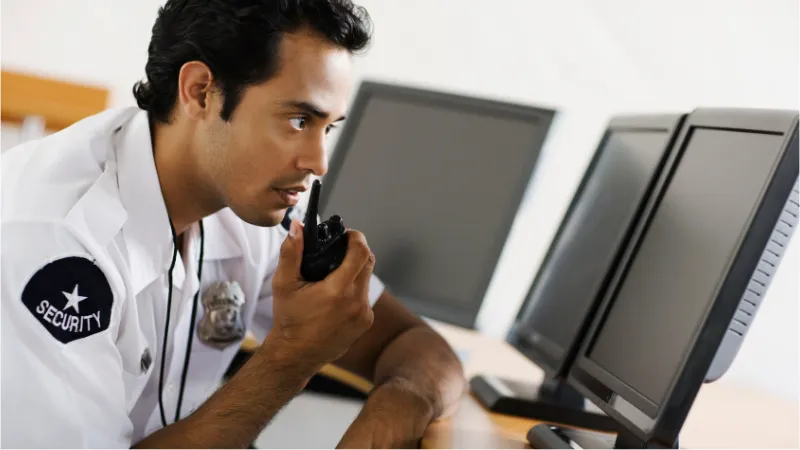
Delayed communication during an incident is the same as no communication. A security communication device must deliver one-tap voice contact — not buried voice notes or unread messages.
Push-to-Talk (PTT) over cellular outperforms traditional radios because it:
- Operates over 4G and Wi-Fi, giving wider range than analogue two-way radios
- Delivers immediate voice connection through a dedicated hardware button
- Turns a rugged smartphone into a smart security radio with GPS awareness
- Supports site-based and shift-based channels for organised dispatch
Where WhatsApp fails:
- Voice notes stack up unread during high-pressure moments
- No live, open-channel awareness across the team
- Zero integration with dispatch or tracking systems
Checklist for selecting a PTT setup:
- Integrated loudspeaker with noise suppression
- Physical PTT button in a durable, accessible position
- Minimum 4,000 mAh battery for sustained use
- Quick channel and group switching without menus
Body Cameras: Turning Footage into Trust

Clients increasingly demand visual accountability. Body cameras give security companies hard evidence, reduce fraudulent complaints, and demonstrate operational discipline.
Advantages on the ground:
- HD footage settles disputes and defends guards against false accusations
- Recorded patrols signal professionalism to existing and prospective clients
- Incident footage accelerates insurance and PSIRA-related processes
Features to prioritise:
- Full HD capture for clear playback day and night
- GPS metadata stamped on every clip for location verification
- Wireless or cloud upload to reduce manual handling
- Tamper-proof storage with role-based access
South African legal requirements:
- Subjects must be informed that recording is in progress
- All footage storage and sharing must comply with POPIA
- Recordings should be used exclusively for operational and legal purposes
Highest-impact scenarios:
- Confrontations and altercations on site
- Emergency and incident response documentation
- Random compliance and performance audits
Software at the Core: What a Security Guard App Must Do
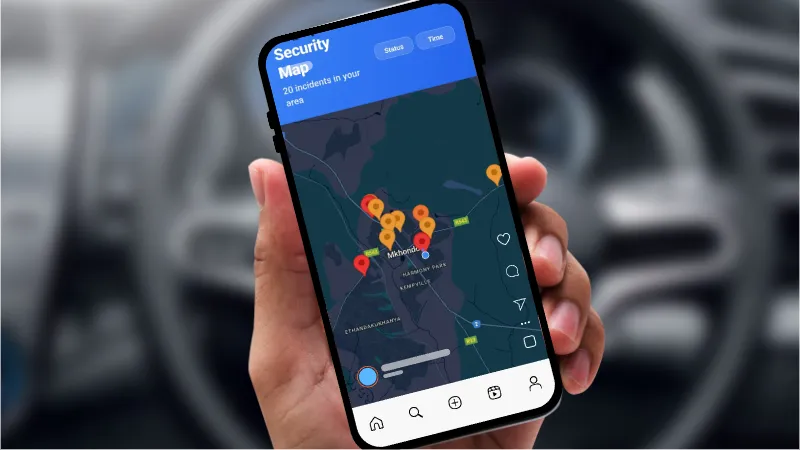
Even the toughest handset adds nothing without capable software behind it. A dedicated security app replaces scattered spreadsheets, radio logs, and WhatsApp chains with a single, auditable system.
Essential capabilities:
- Live GPS positioning of every guard currently on shift
- Digital shift check-ins, break logging, and real-time status updates
- Incident capture with timestamped photographs and automatic GPS coordinates
- Supervisor dashboards delivering instant operational oversight
QR patrol verification adds another layer:
- Generate unique QR codes directly inside MyProtektor
- Print them locally for roughly 60c per sticker at any print shop
- Discreet enough to mount at checkpoints without attracting attention
- Guards scan during rounds to confirm time and location automatically
- Feed scan data into client-facing reports that prove site coverage
Bringing Every Tool Under One Roof
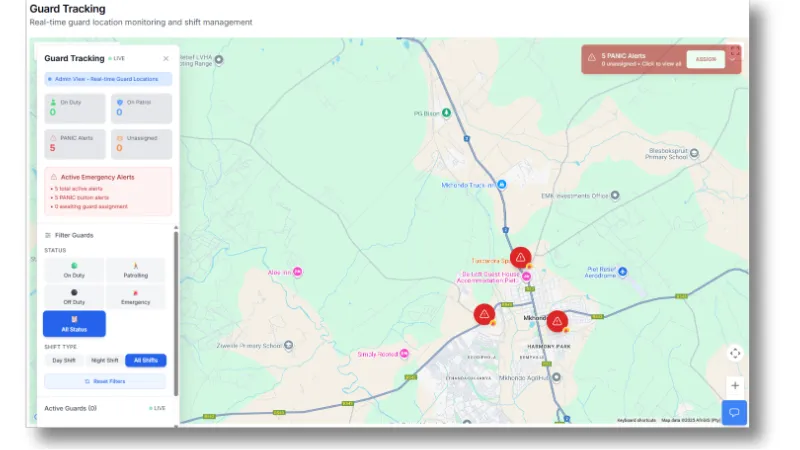
Running five separate tools for tracking, reporting, communication, patrol, and scheduling is expensive and error-prone. MyProtektor consolidates the entire stack into a single platform.
Capabilities inside one system:
- GPS tracking in real time so security personnel locations are always visible
- Incident reports enriched with photos, GPS coordinates, and timestamps
- PTT integration for immediate voice communication across multiple sites
- A central admin dashboard giving security services a live operational picture
- QR patrol scanning that validates on-site presence and patrol completion
- Panic alerts triggering instant supervisor response when a threat emerges
Engineered for South African conditions:
- Full offline mode with automatic sync once connectivity returns
- Local SA support team and hands-on training for field staff
- Optimised for rugged devices with extended battery capacity — built for mobile security services
Device control without extra cost:
- Built-in MDM locks handsets to approved apps only
- Block social media, games, and other distractions during shifts
- Push configuration changes and enforce access control remotely from the dashboard
- No third-party MDM licence required
Evidence management baked in:
- Attach photos and video clips directly to incident reports
- Upload footage from a guard's device in the field
- Store everything in a secure, audit-ready repository within the platform
Matching Technology to Your Operation Size
Every team starts somewhere different. The goal is to invest where it delivers control and proof — then scale as contracts grow.
Guiding principles before purchasing:
- Small squads (up to 10 guards): mobile tracking, incident logging, and QR patrol cover the essentials
- Growing companies (20–50 guards): layer on shift scheduling, access control, and emergency alert workflows
- Enterprise operations (100+ guards): full dashboards, PTT, analytics engines, and integrated surveillance pipelines
- Begin lean, choose tools that scale, and avoid stockpiling hardware that sits in a drawer
Questions worth answering first:
- How many physical locations does the operation span?
- Do client contracts require documented patrol proof and incident reports?
- Will offline capability and ruggedised devices reduce on-site failure rates?
| Team Size | Recommended Tools | Add-ons to Consider |
|---|---|---|
| 1–10 Guards | Mobile app, GPS tracking, QR patrol, basic incident logs | Panic alerts, MDM lockdown |
| 11–50 Guards | Admin dashboard, access control systems, PTT radios | Client reports, body cameras |
| 51–100+ Guards | Full surveillance integration, shift scheduling, analytics | SLA dashboards, patrol audit logs |
The Competitive Edge Is Already Digital
Security firms that adopt integrated technology win more contracts, retain more clients, and pass PSIRA audits without scrambling. Those still relying on clipboards and voice notes are losing ground every quarter.
Proper guard technology is not about replacing people — it is about giving your team the visibility, proof, and speed that clients now consider standard. The firms investing in scalable digital platforms are the ones growing, not the ones explaining why the occurrence book is missing pages.
Discover how MyProtektor equips your team with everything covered in this guide. Explore our mobile incident reporting and panic alert solution or review pricing plans to get started today.
Looking for device recommendations? Read our dedicated guide on the best devices for security guards in 2026.
Explore the full platform:
- GPS Tracking Software for Security Guards — live guard locations on one map
- Patrol Management Software — QR-verified patrols with GPS proof
- Shift and Duty Management — know who is on duty at all times
- Control Room Dashboard — one screen for your entire operation
- Access Control and Visitor Verification — QR-based entry management
Contact us: info@myprotektor.co.za